
Builds
Tools, platforms, and apps I've built end to end for a media team — many with AI in the loop. Each one replaced a real, recurring problem. Click any card's "How it works" for the technical detail.
Skills Demonstrated
- Full-stack development: Next.js, Supabase (Postgres/auth), Vercel, GitHub CI/CD
- API integration & automation: Vimeo, Monday.com, AWS S3, Shade, iMessage, Meta Ads
- Plugin/extension development: Adobe UXP for Premiere Pro
- Native app development: macOS (Swift/AppKit/AVFoundation) with CI/CD distribution
- Security & access control: gated uploads, role-based permissions, least-privilege IAM, PII masking with audit logs
- Growth engineering: landing funnels, Meta Pixel attribution, A/B creative testing, geo lead routing
- Data & performance: company-scale caching/invalidation, weekly data-publish pipelines
- Product thinking: every tool eliminates a real, recurring team pain point
Media Hub
The full-stack platform the whole media team runs on.
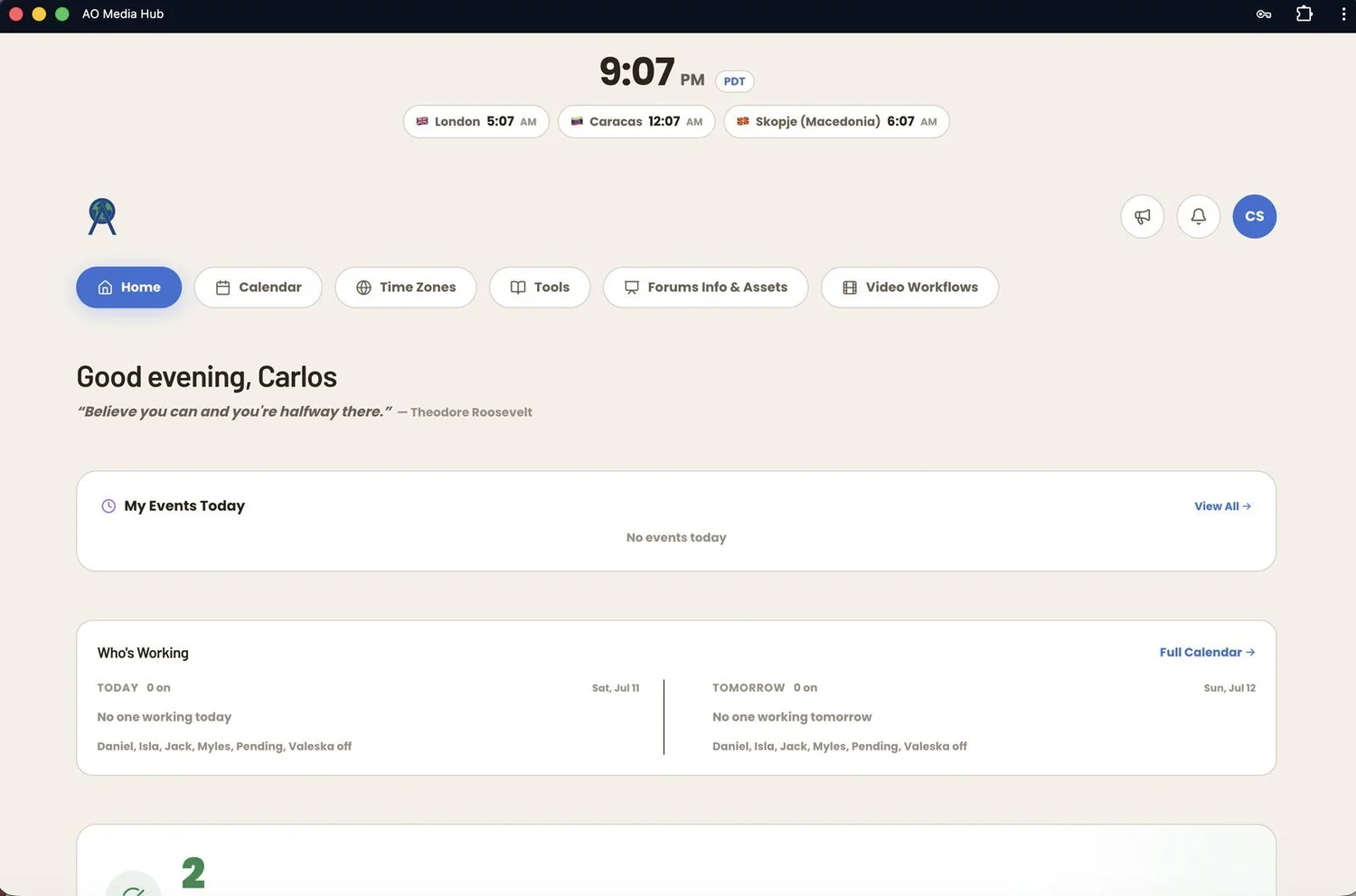
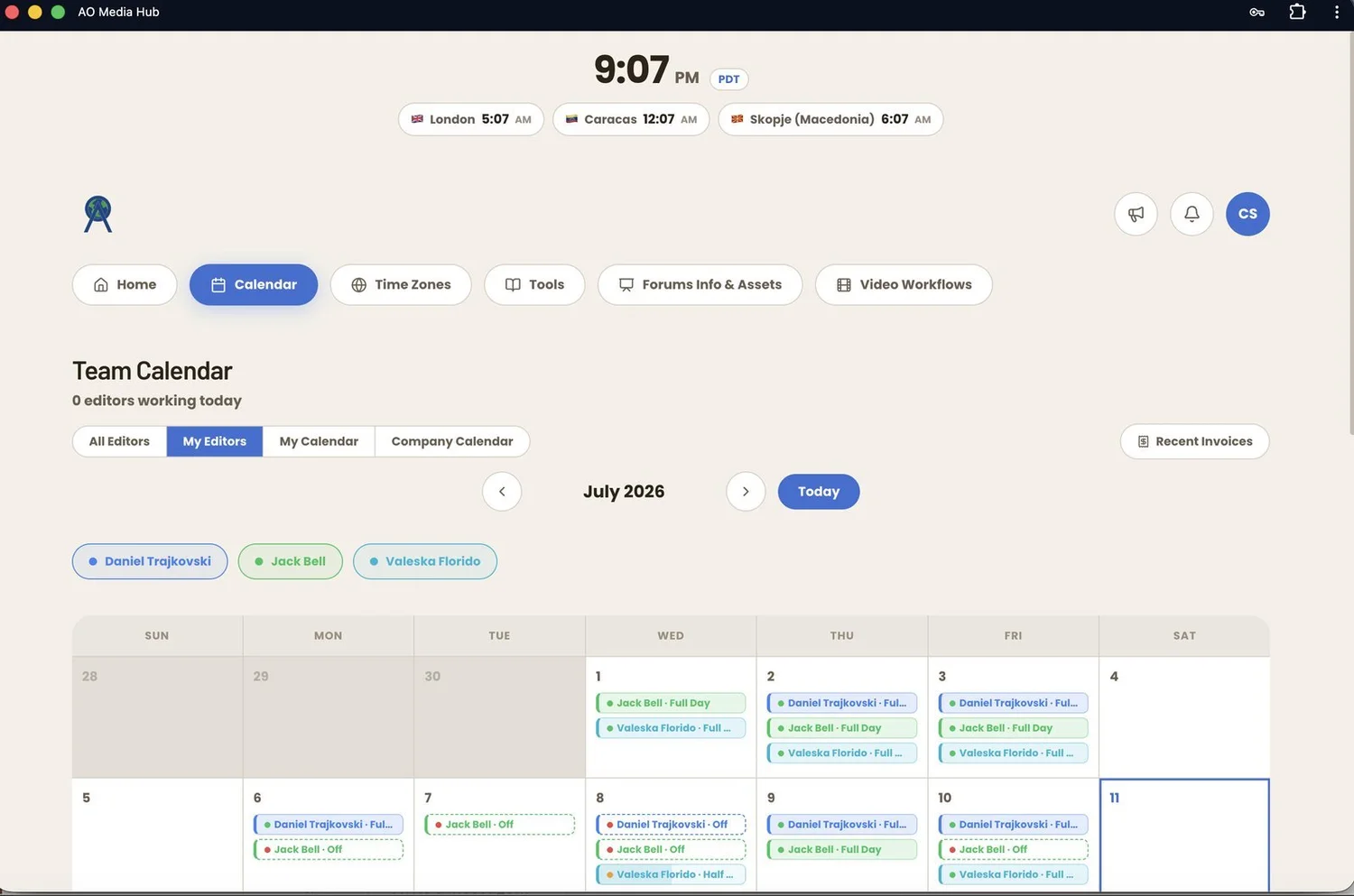
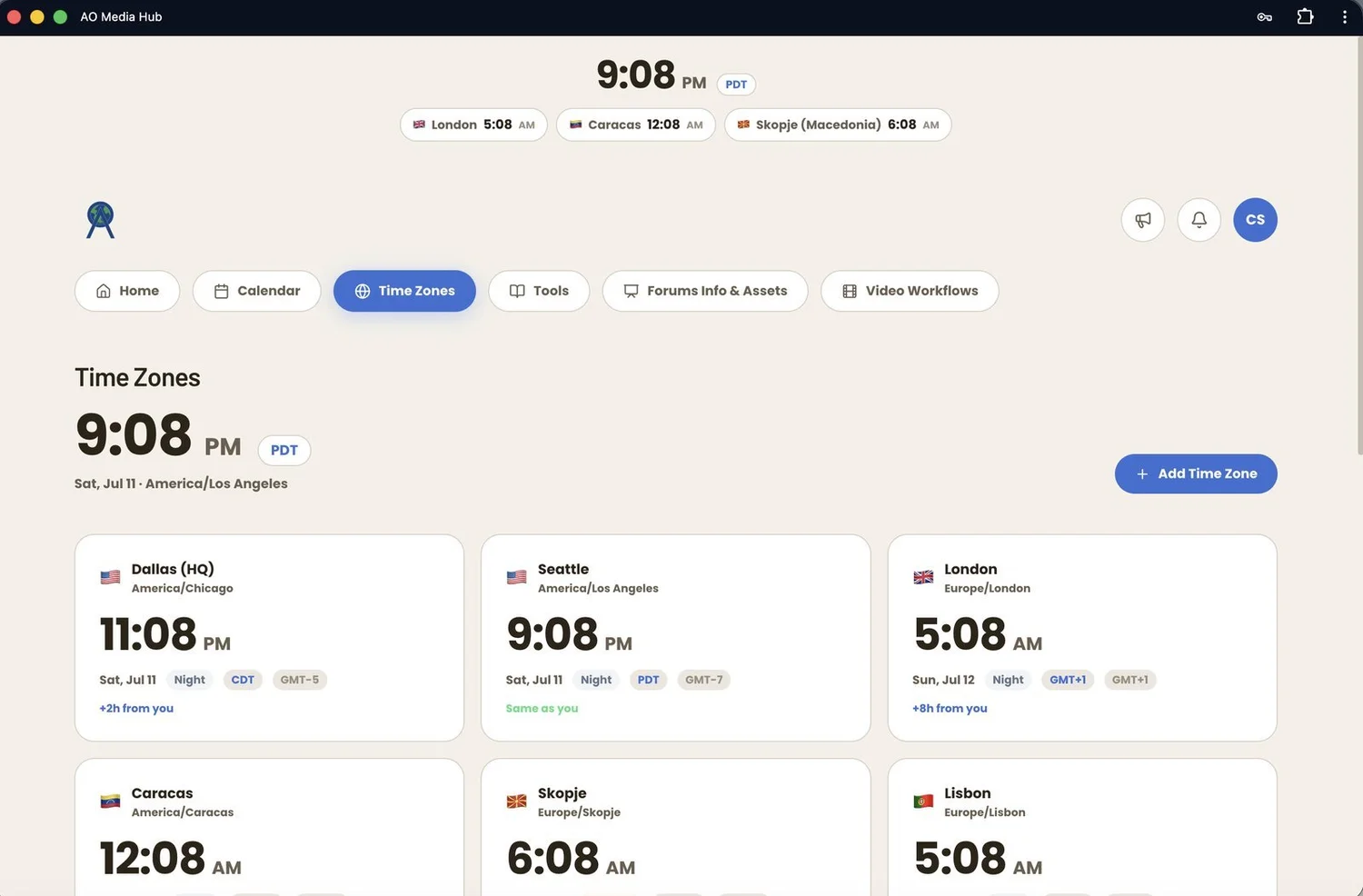
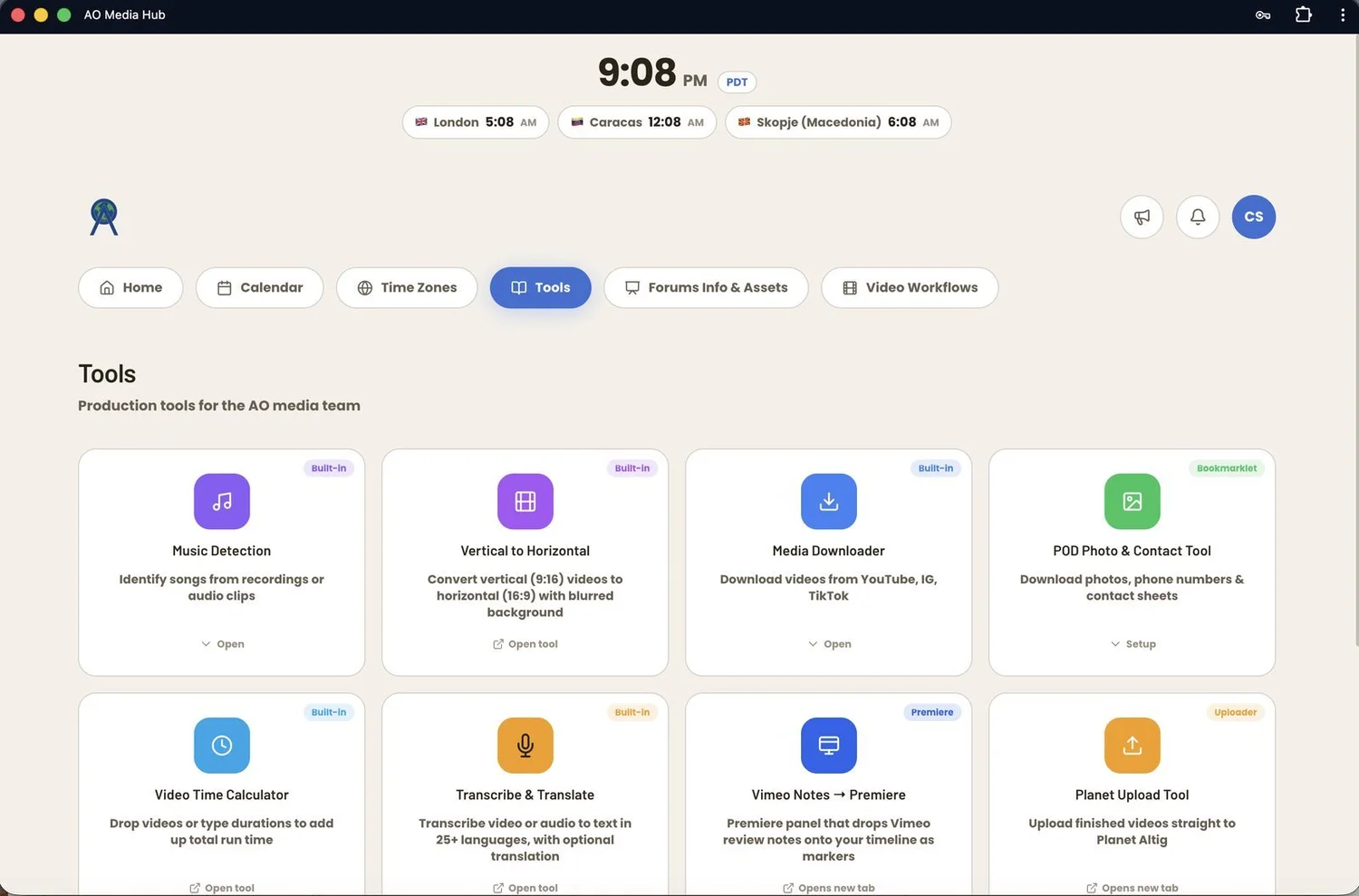
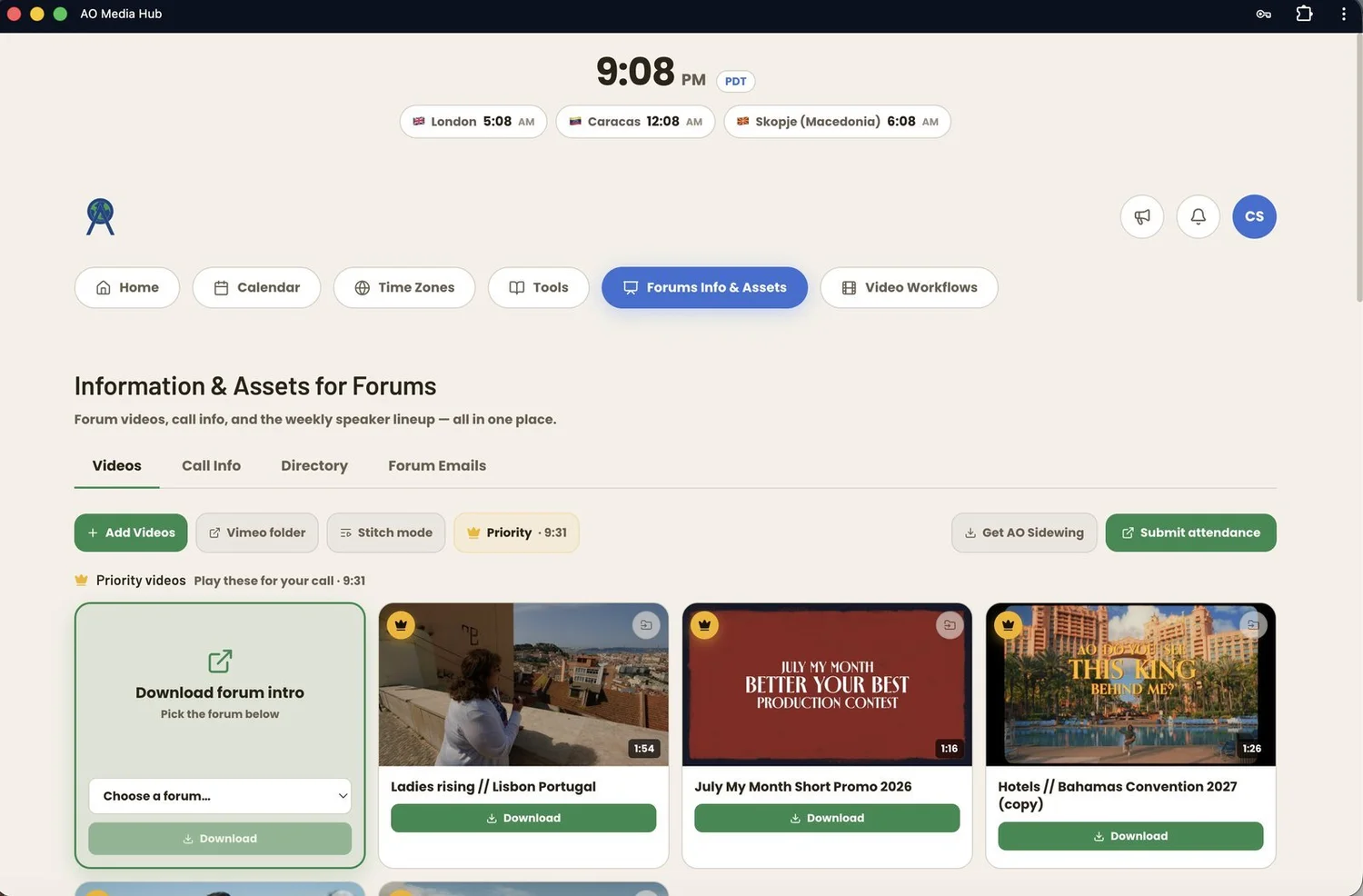
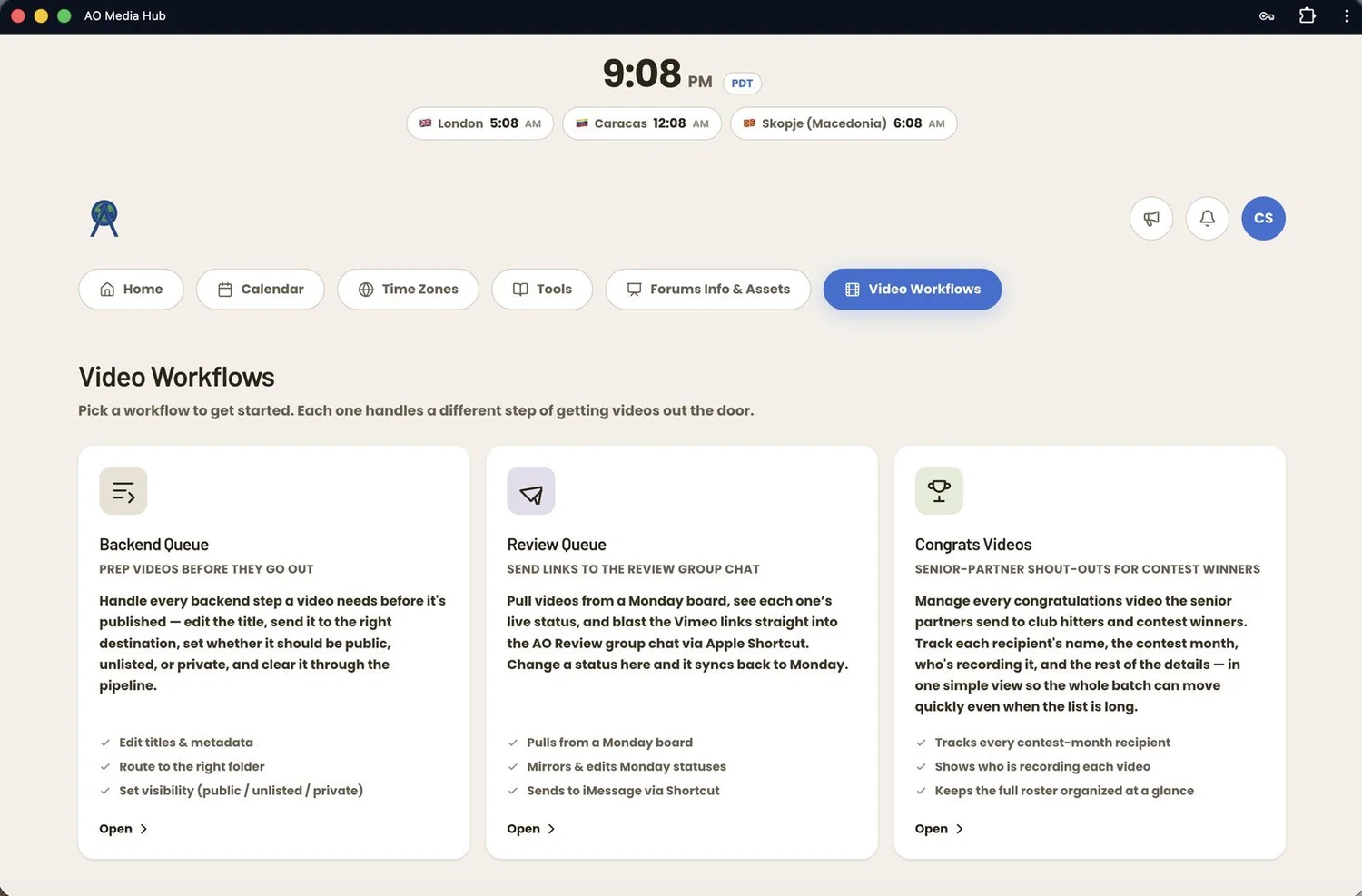
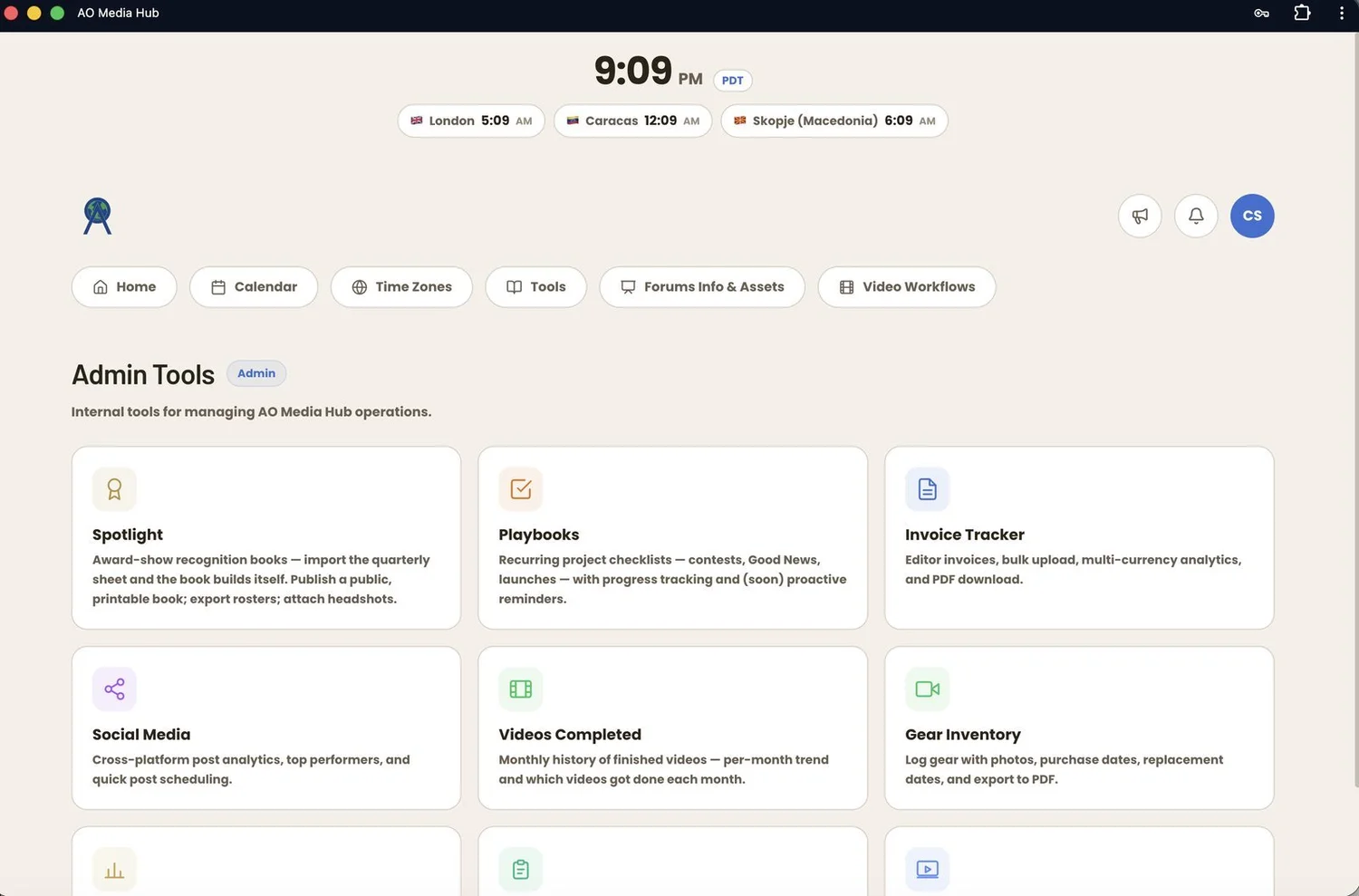
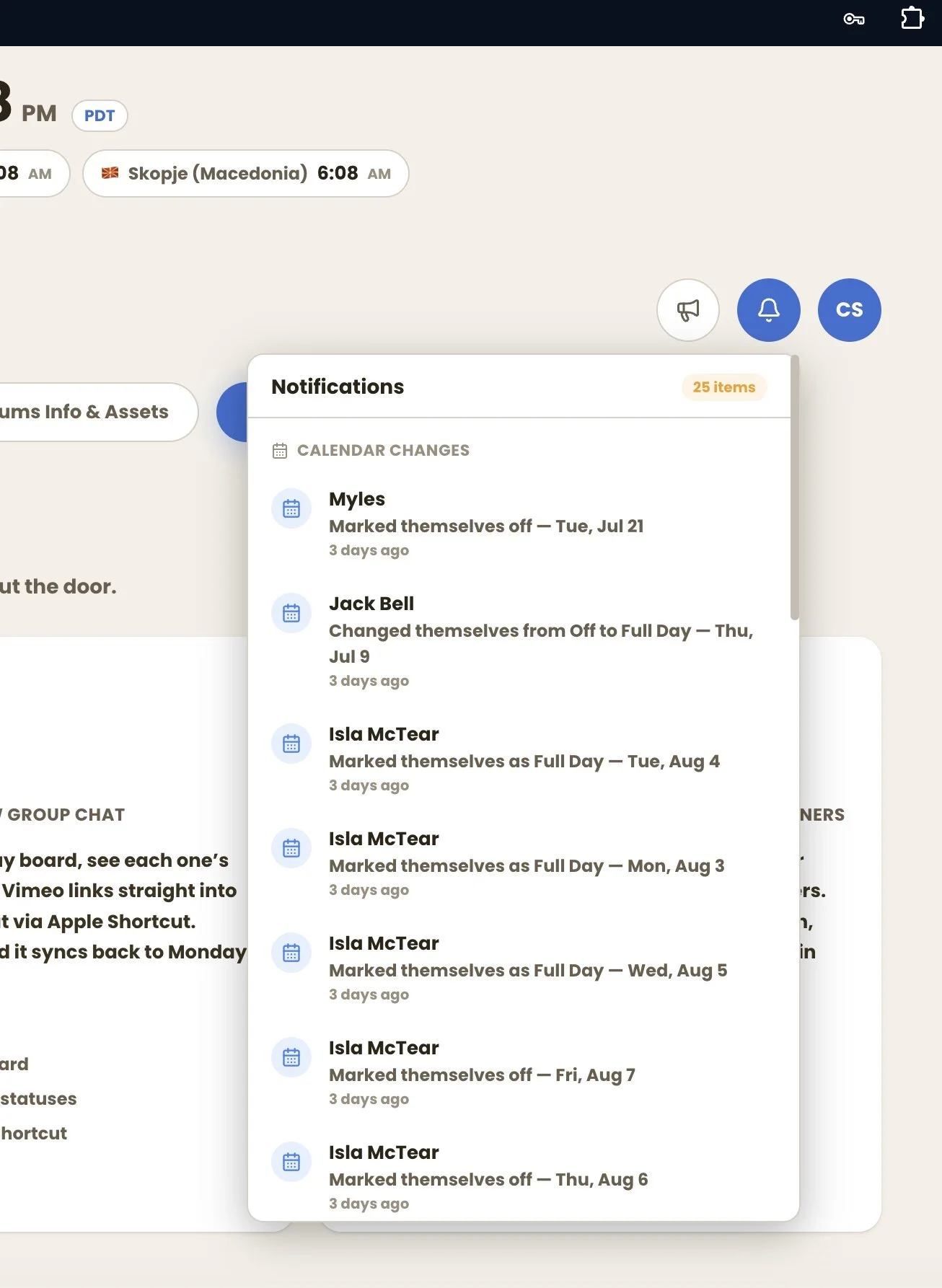
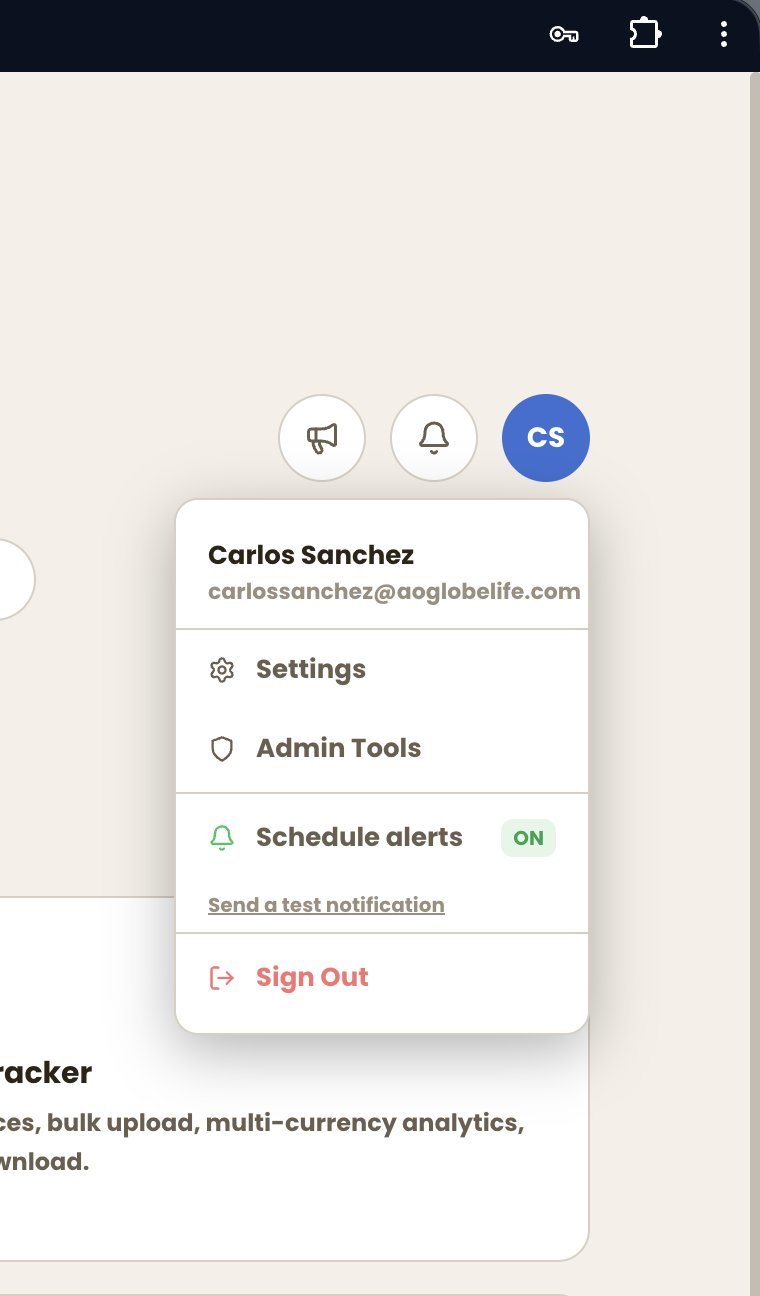
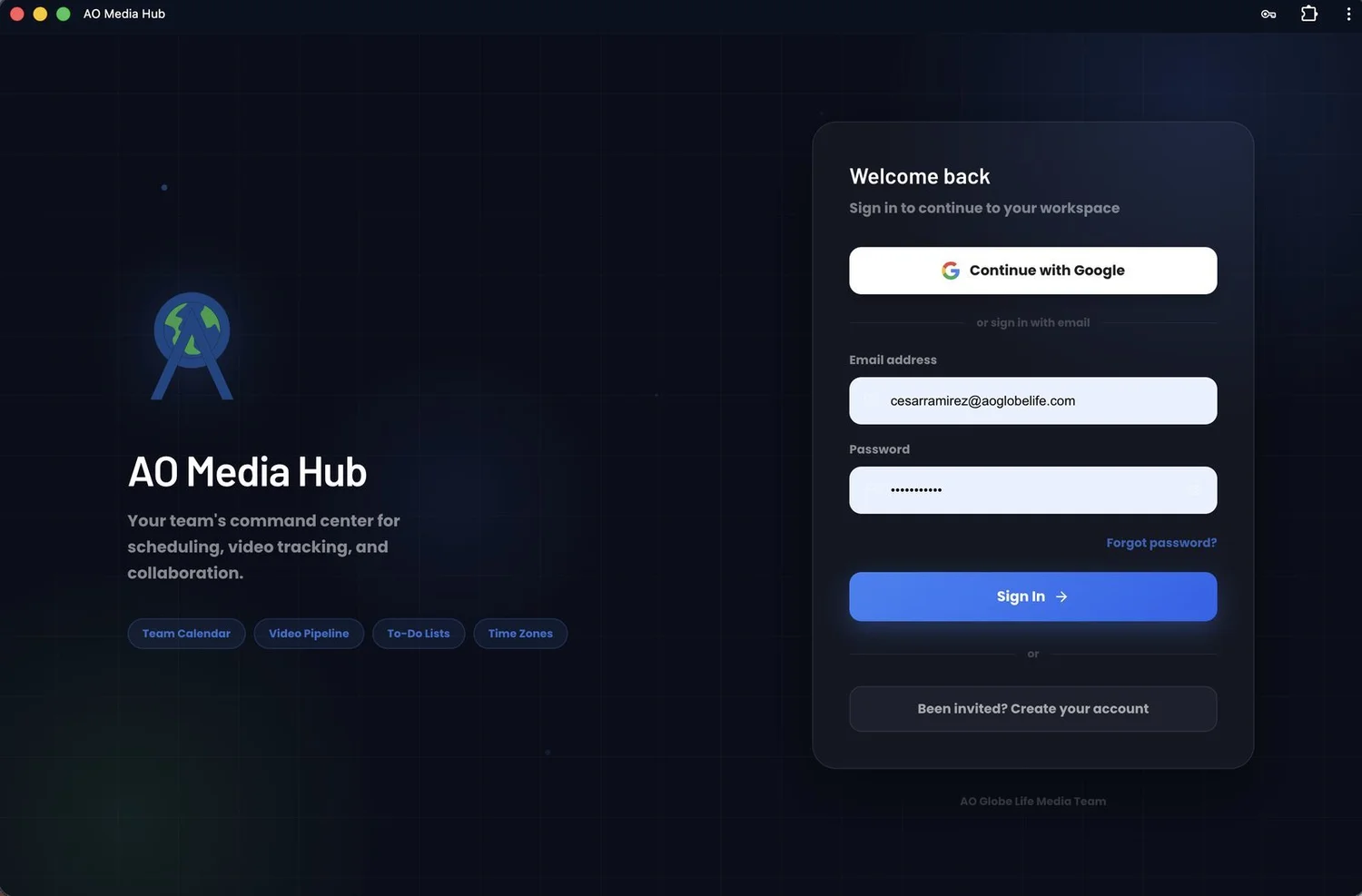
A custom web platform built from scratch that unifies scheduling, asset delivery, video review, automation, and finance into one secure, role-gated system the team uses daily. It's also an installable PWA — add it to your home screen and it runs like a native app with push notifications, so the whole platform is in your pocket on the road.
How it works
- Built solo, end to end: database design, auth & permissions, API integrations, UI, and CI/CD deployment.
- Production-grade: role-based access control, invite-only authentication, security-audited.
- Installable PWA: add-to-home-screen on iOS/Android, native-app feel, mobile-tuned layouts, and web push notifications.
- Real adoption — the entire team operates through it daily. A business-critical system, not a demo.
Recruiting Funnel + Ad Analytics
A recruiting funnel with an engine that tells you which ads to scale, refresh, or kill.
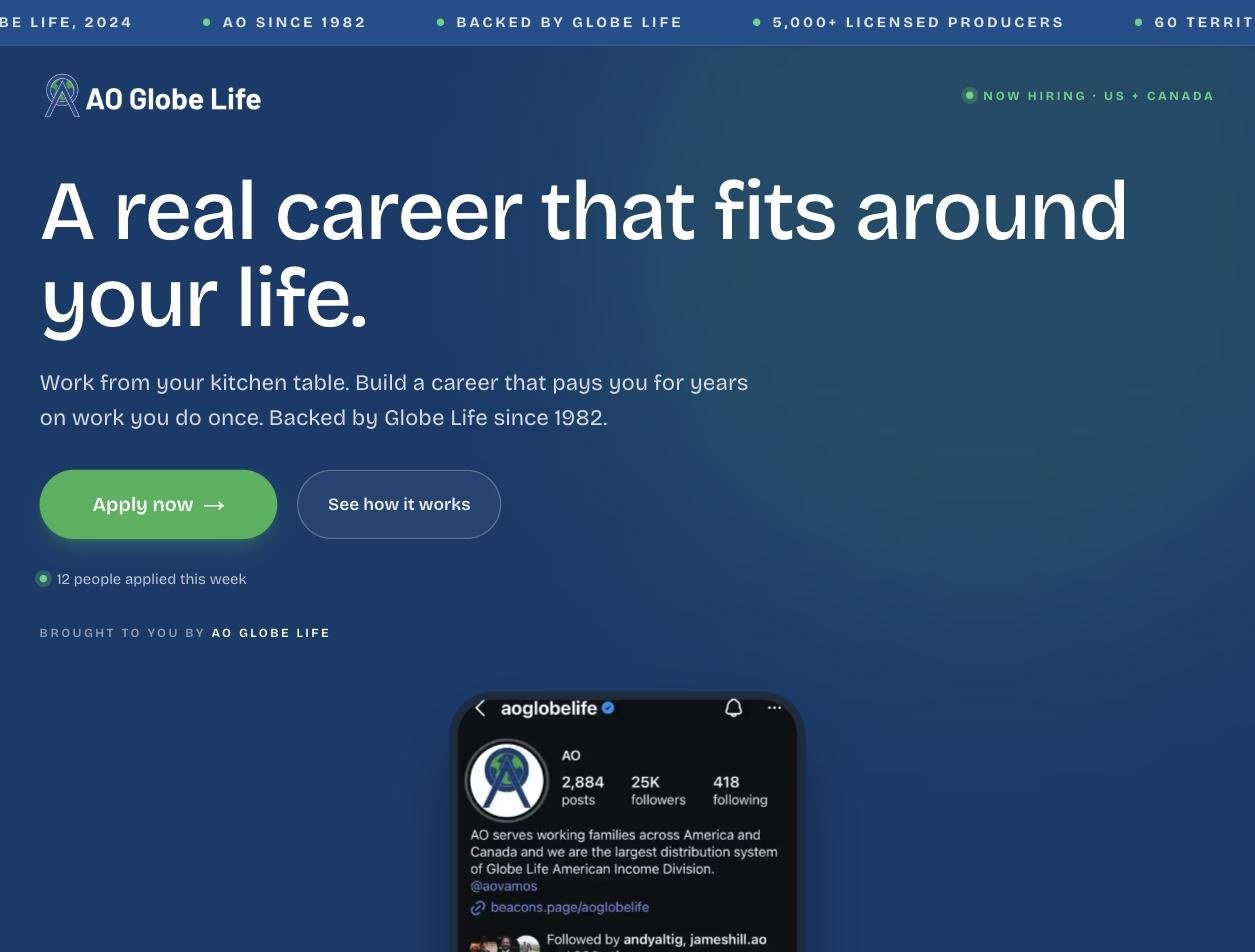
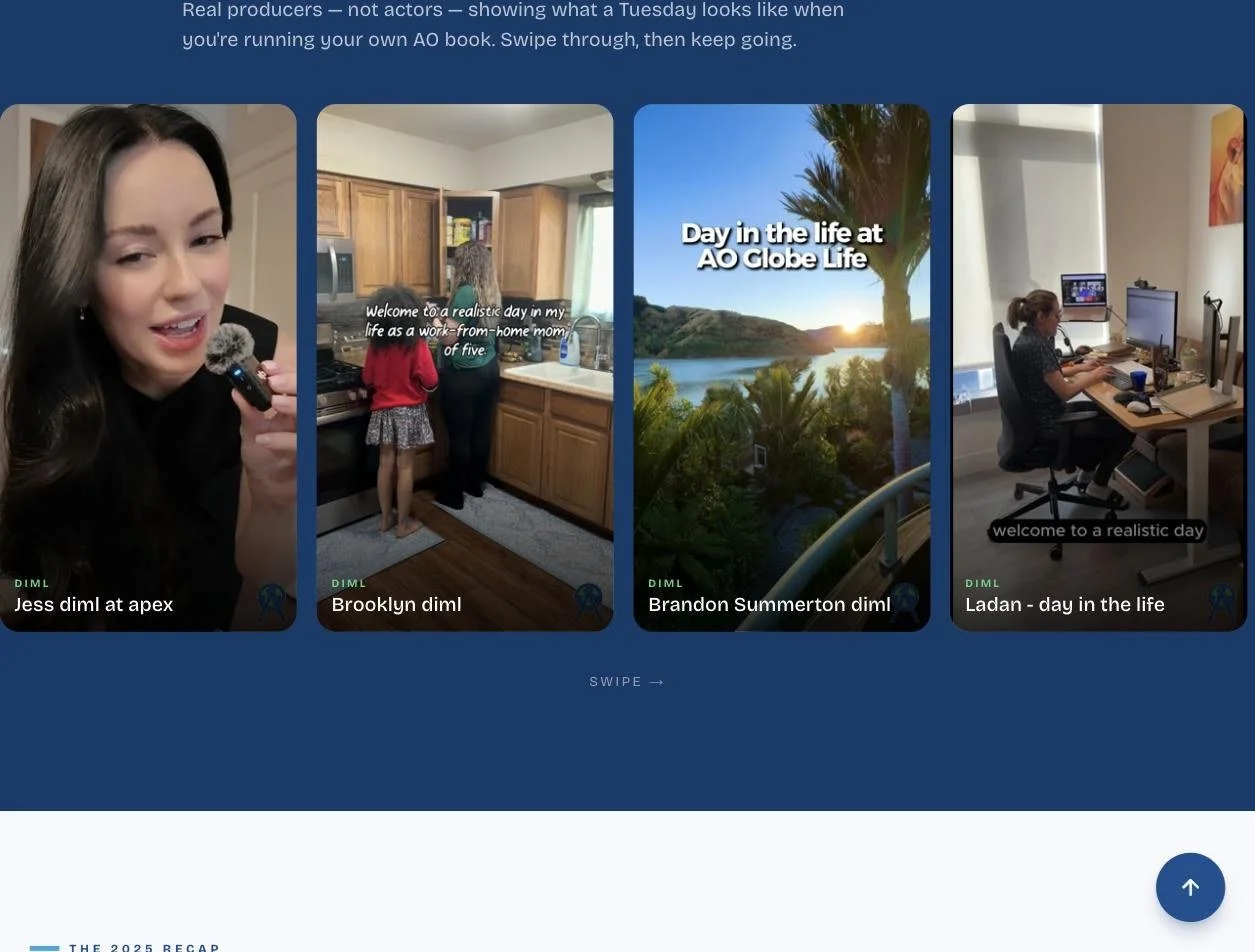
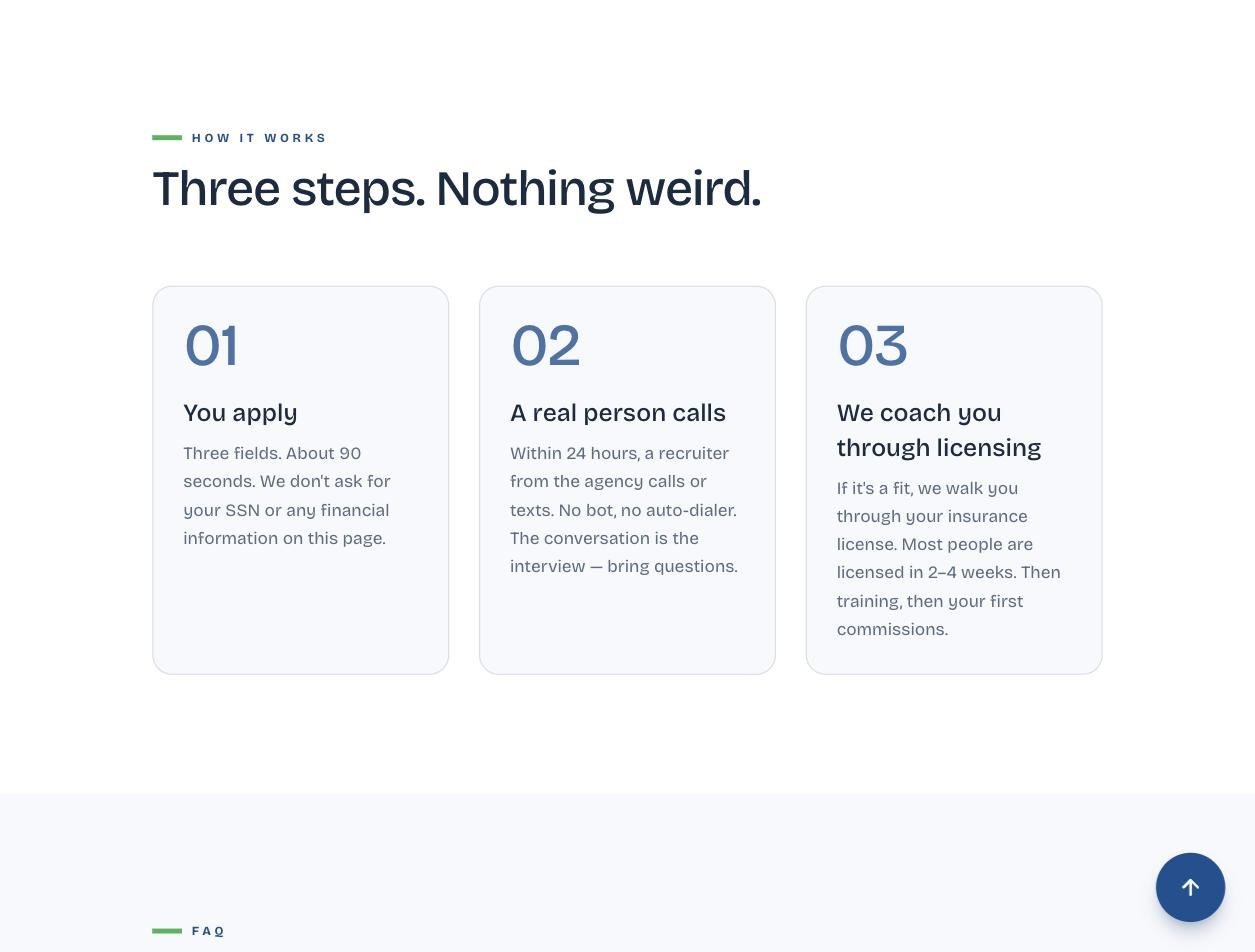
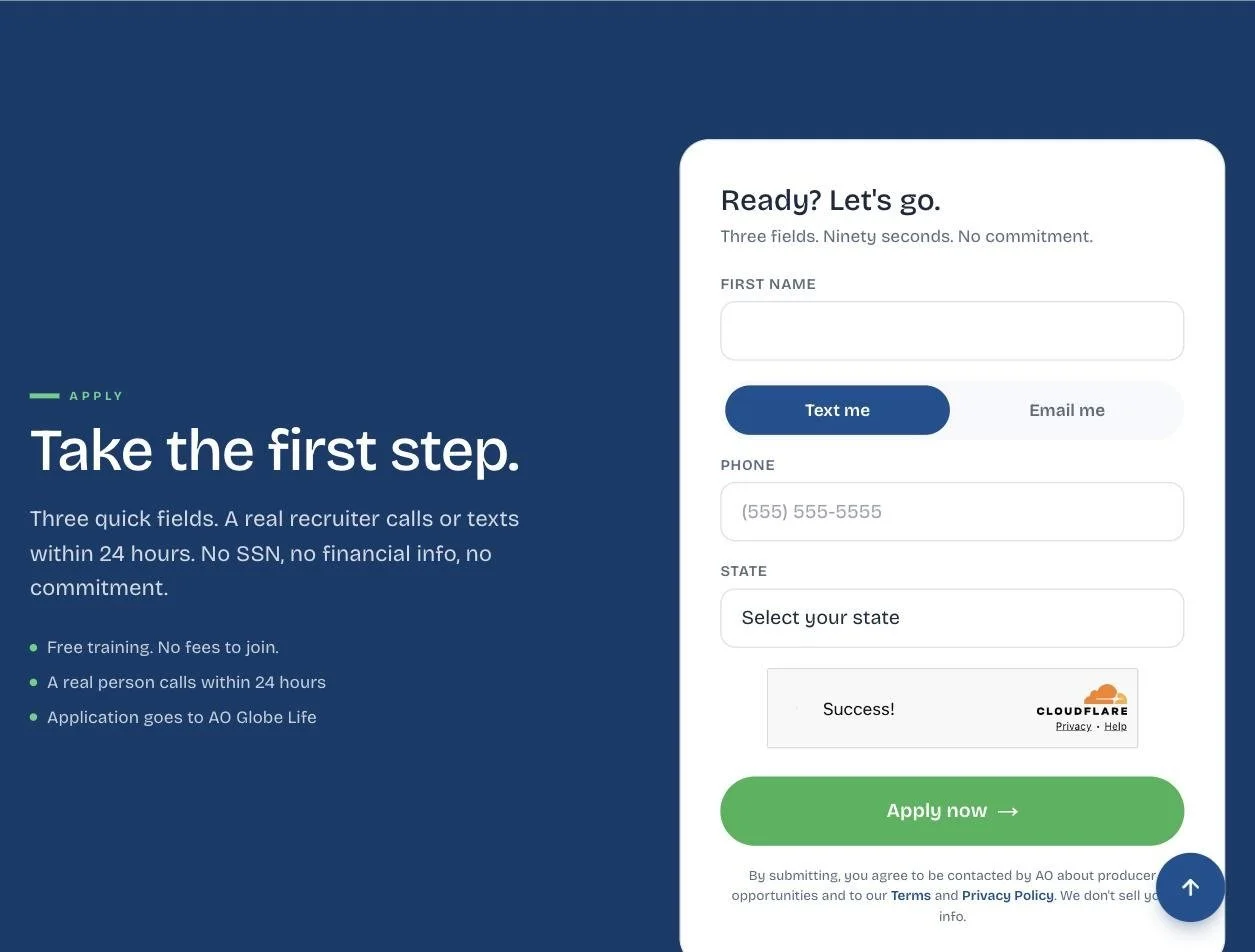
A complete recruiting-marketing platform: a mobile-first funnel page paired with a custom analytics and campaign backend. Every visitor is tracked from ad click to application — platform, creative, even placement — and their location routes each recruit to the right team. Behind it, a "Campaign Studio" turns spend data into daily decisions.
View the live funnel →How it works
- Campaign Studio decision engine: classifies every live ad into SCALE / REFRESH / KILL, driven by cost-per-applicant and 3-second hook pull-rate, and prescribes the exact next action.
- Meta Ads API with automated nightly spend sync — cost-per-lead math runs on real platform data.
- Full-funnel attribution: Meta Pixel, UTM-tagged links, and per-creative/placement tracking (Instagram Reels vs. Facebook feed).
- Lead-pipeline CRM with geo-based routing and audit-logged PII masking (contact info auto-masks after 90 days).
- Multi-tenant: one codebase spins up a separate branded funnel per agency, each with its own attribution and lead stream.
Company Leaderboard
Company-wide performance boards people actually check.
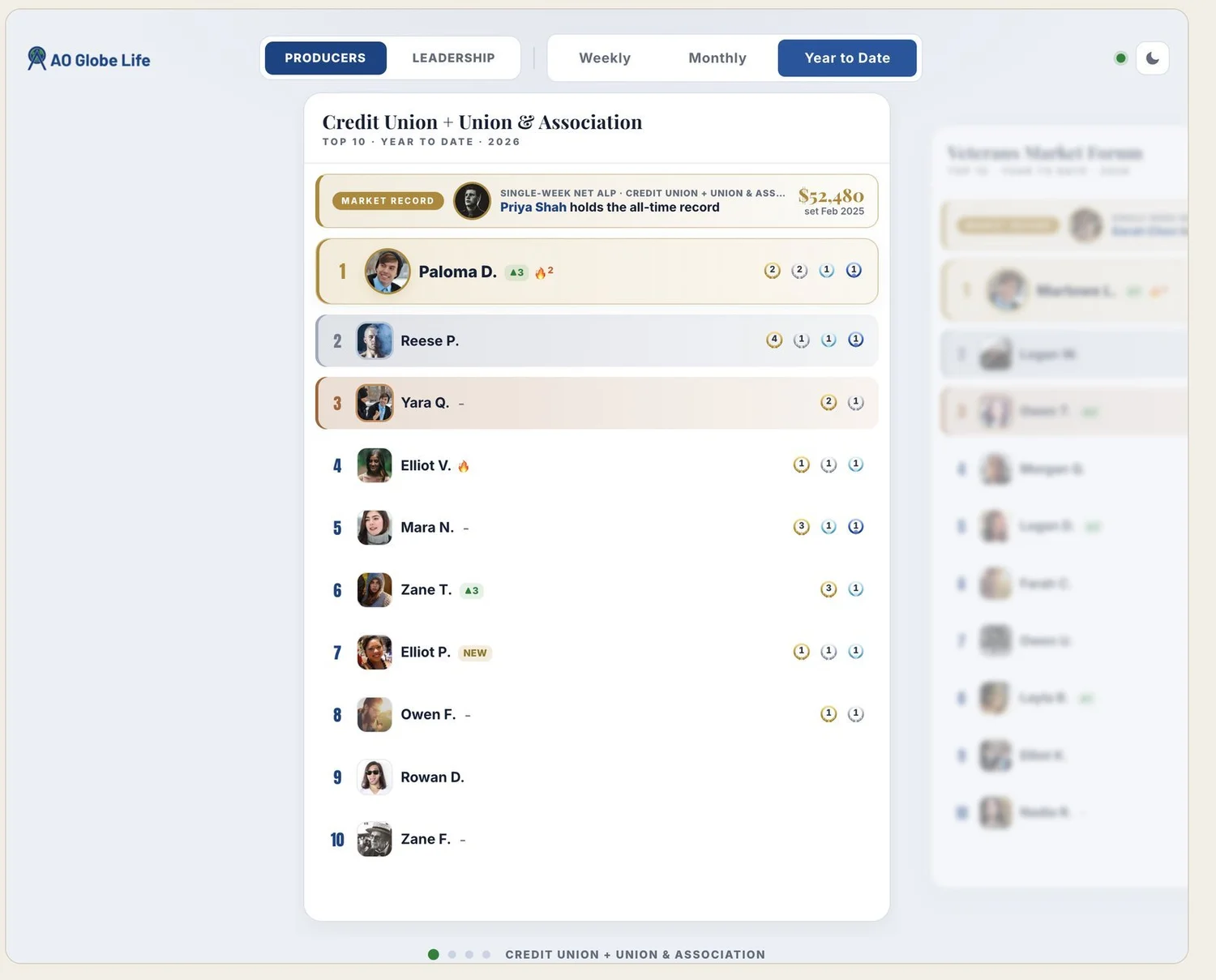
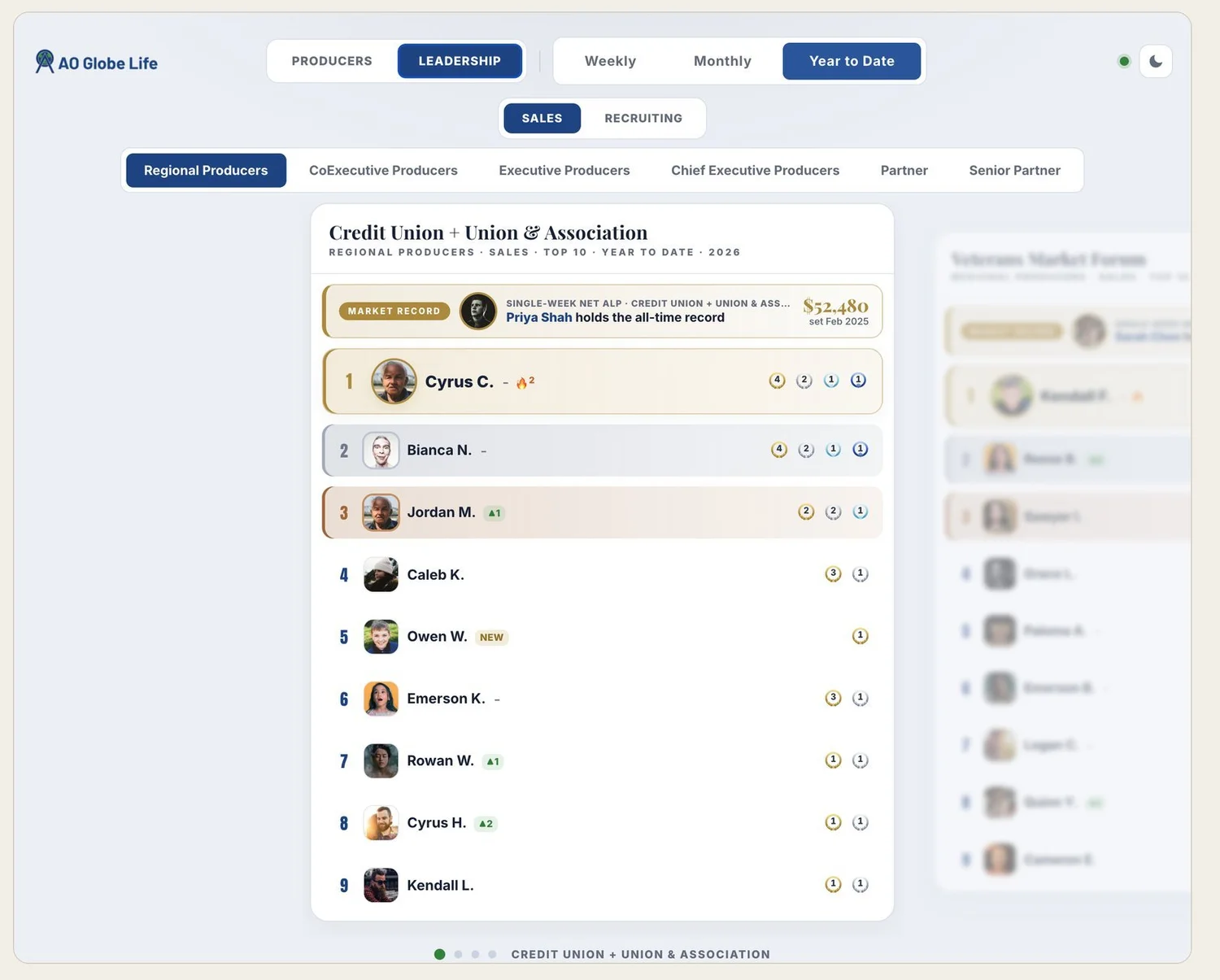
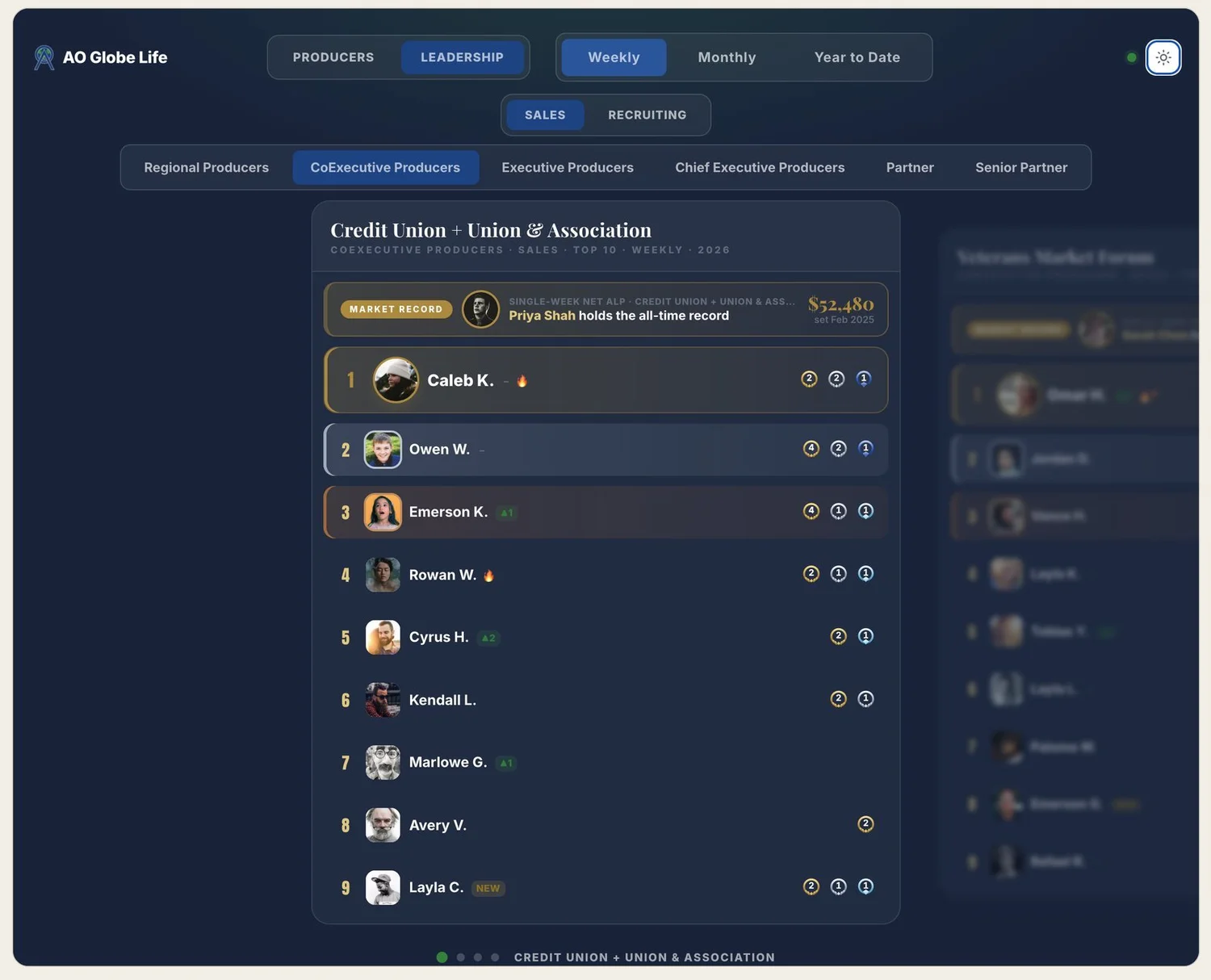
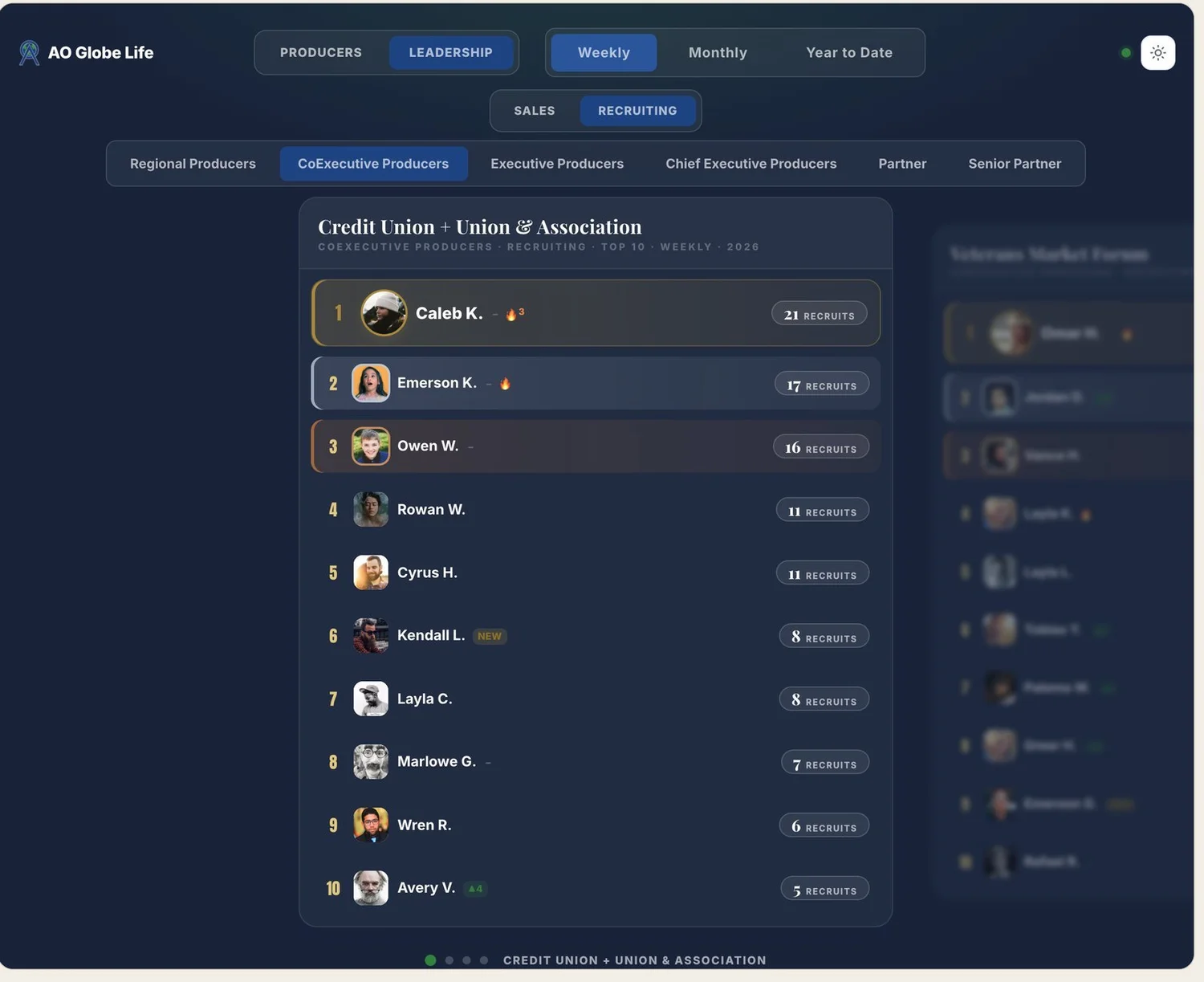


A polished, responsive leaderboard tracking weekly production, sales, and recruiting performance by level, so everyone competes against their peers. Each market board shows weekly, monthly, and year-to-date record holders. Updating the whole company is a simple weekly data-publish.
How it works
- Multi-discipline: production, sales, and recruiting in one platform, organized by level so rankings are peer-to-peer.
- Record holders per market across weekly / monthly / YTD — persistent records that give people something to chase.
- Weekly publish pipeline: admins drop in the week's data and publish — no code change, no redeploy; every board updates instantly.
- Built for scale: server-side caching with tag-based invalidation, so a company-wide traffic spike hits cache, not the database.
- Premium responsive UI (champion podium, per-market strips) and embeddable inside the company portal.
Sidewing
A native Mac app for clean video playback while screensharing on Zoom.
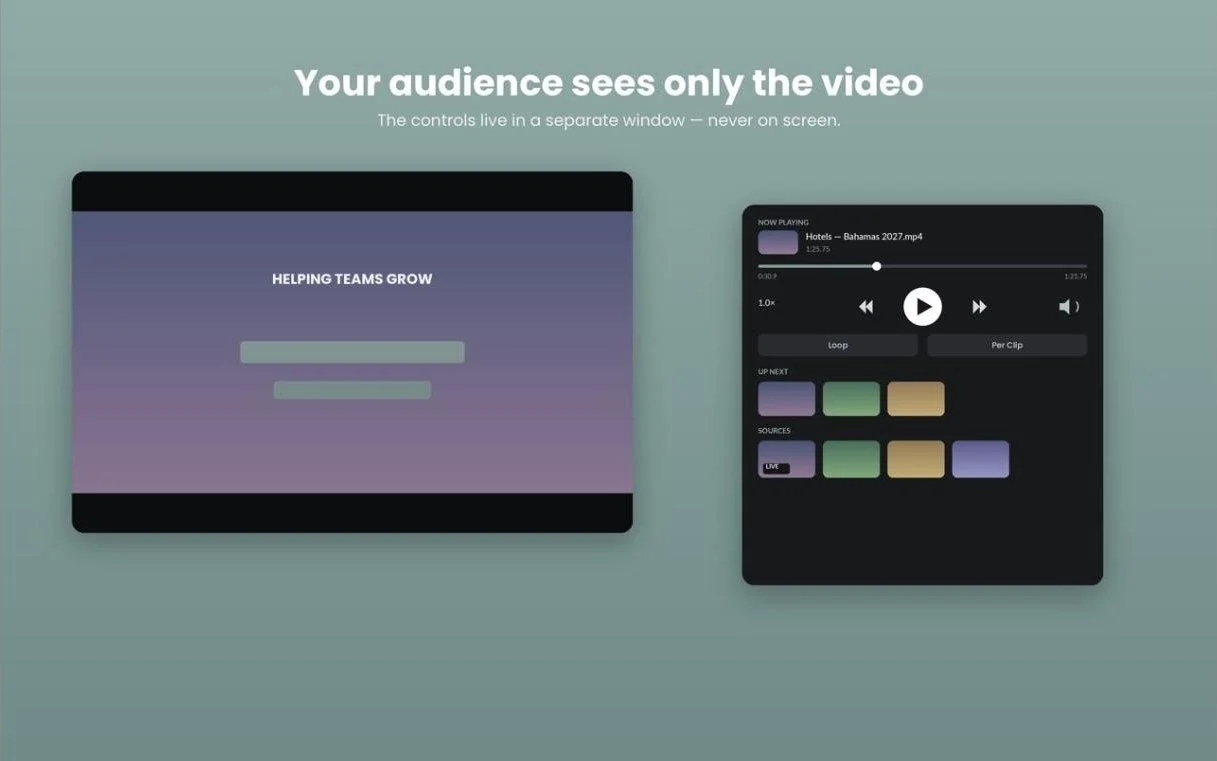
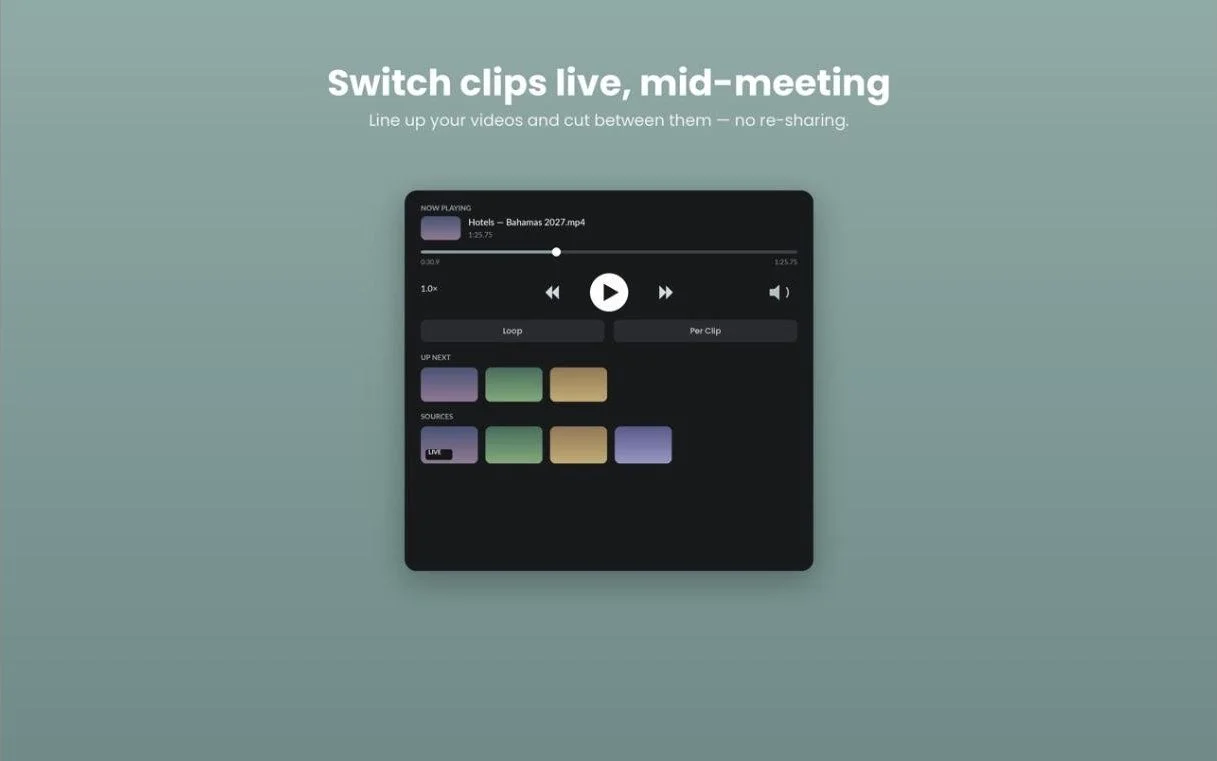
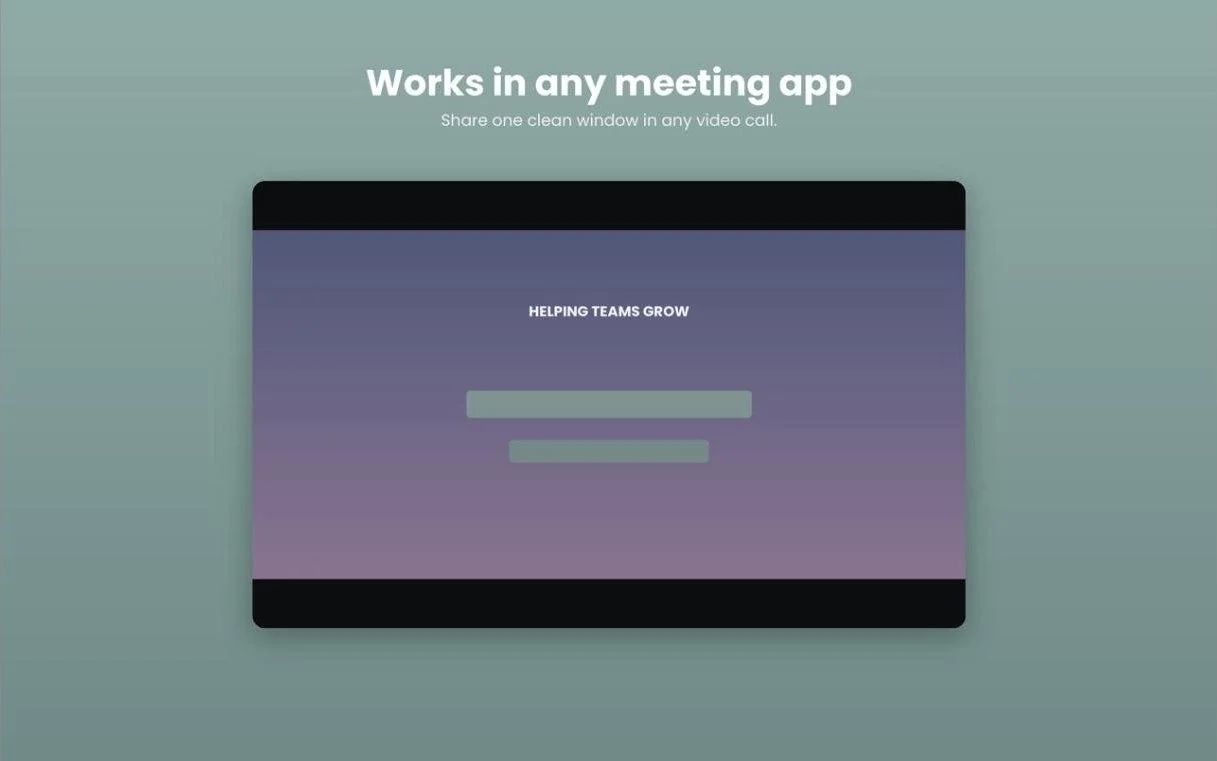
A custom native Mac app for the one job most players do badly: playing videos cleanly while screensharing live on Zoom. It splits playback into two windows — a borderless, chrome-free video window the audience sees, and a separate controls panel on the presenter's side. Load a lineup and it runs the show.
How it works
- Native macOS: Swift/AppKit with AVFoundation for playback — a real desktop app, not a web wrapper.
- Presenter/audience separation: the video window carries zero chrome for a broadcast-clean screenshare; controls stay off-screen from the audience.
- Show-flow features: floating drag-to-reorder clip queue, per-clip auto-pause at boundaries, and hover-scrub thumbnail previews.
- In-app clip cutting: trim and export auto-named clips right in the player — no round trip through an editor.
- Shipped like a product: automated GitHub Actions build pipeline, hosted installer, version labeling, and built-in update checking.
S3 Uploader
Direct-to-S3 uploads up to 50 GB, auto-mirrored into the team's storage.
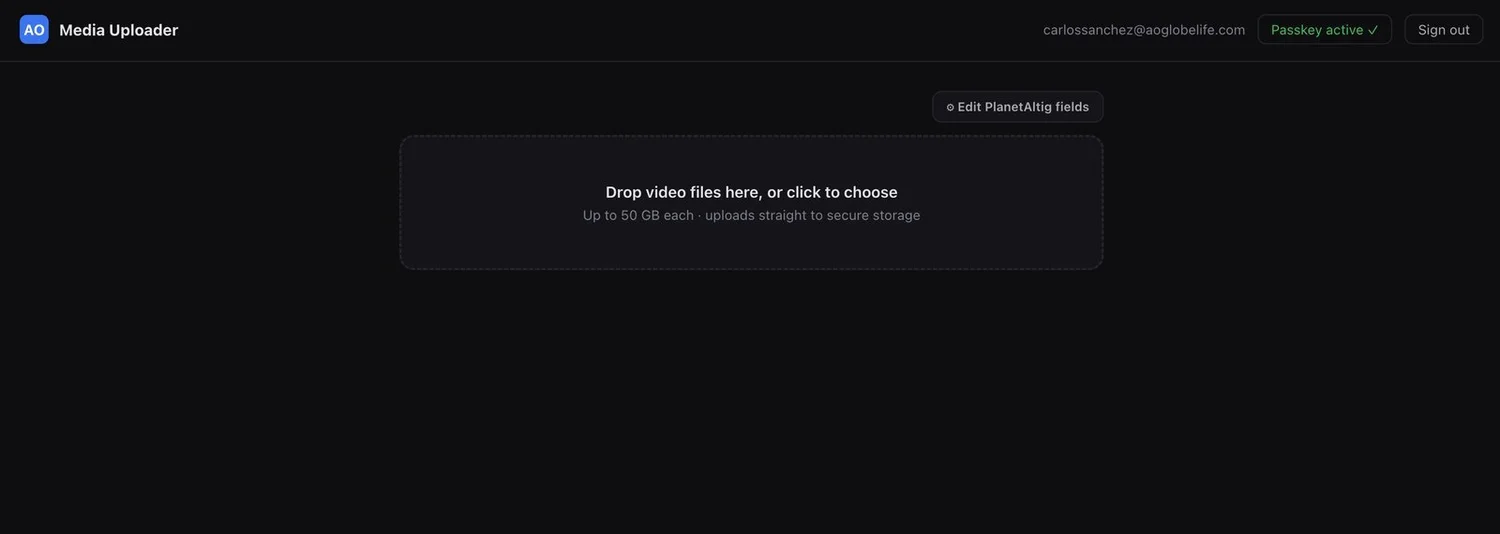
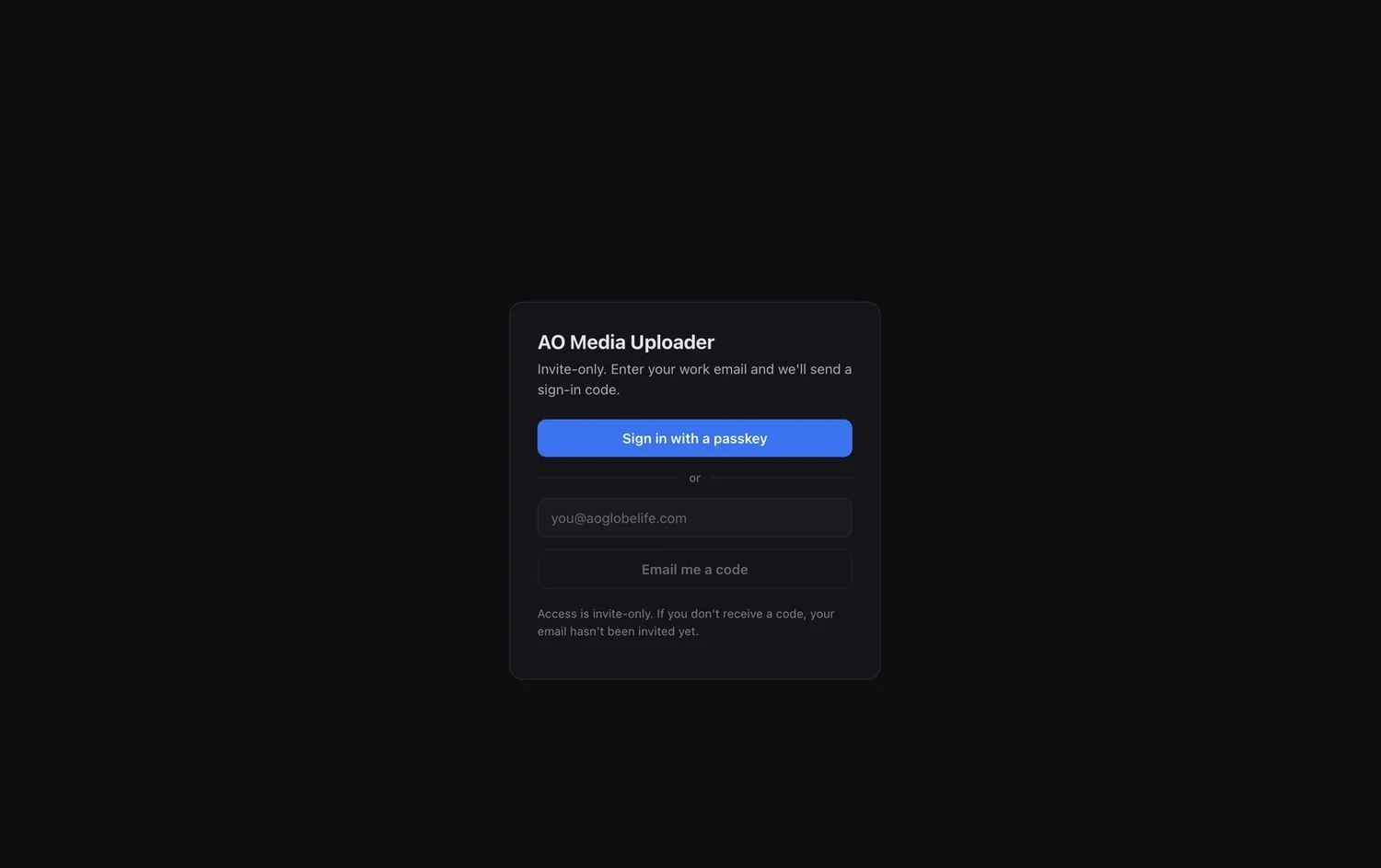
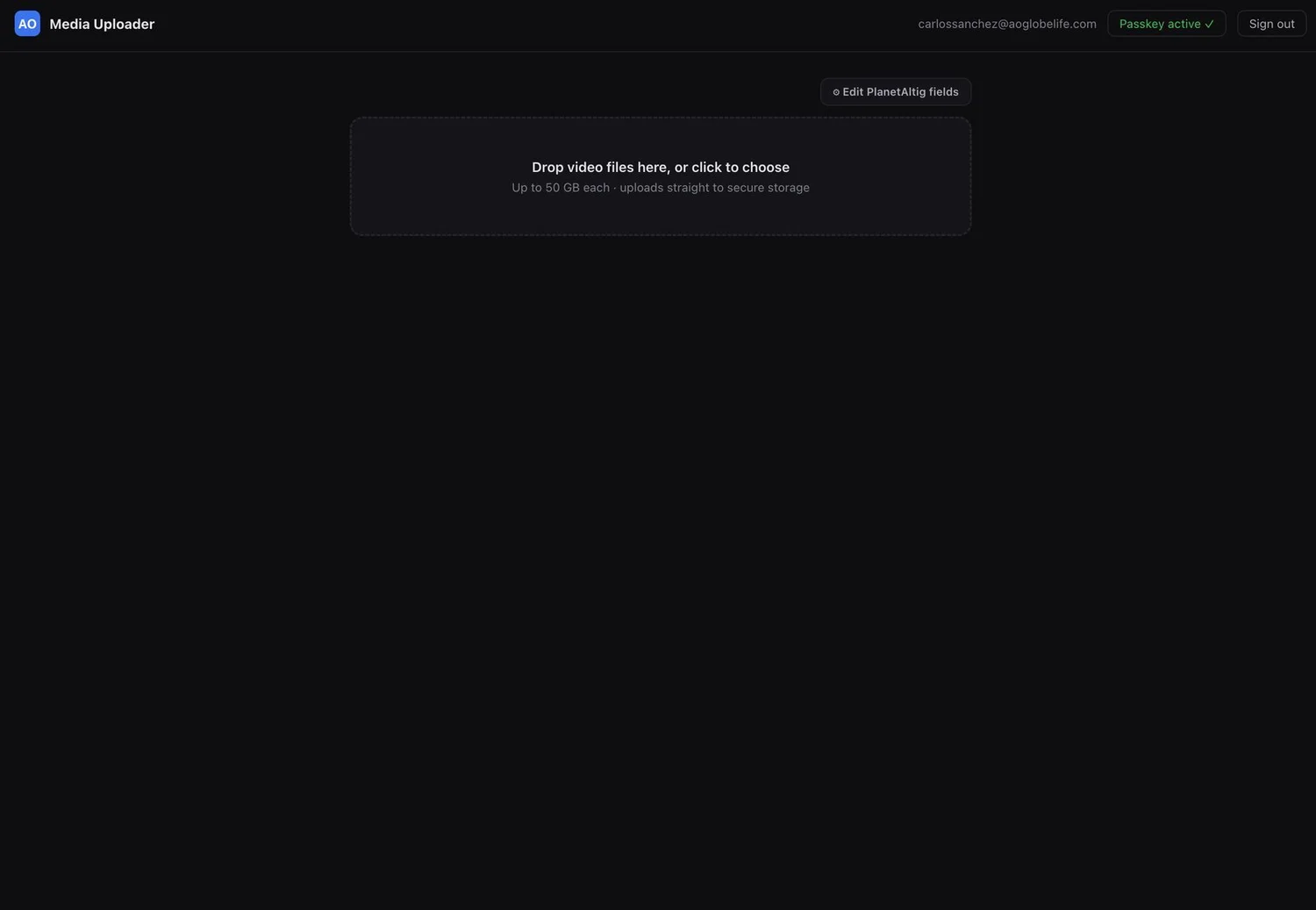
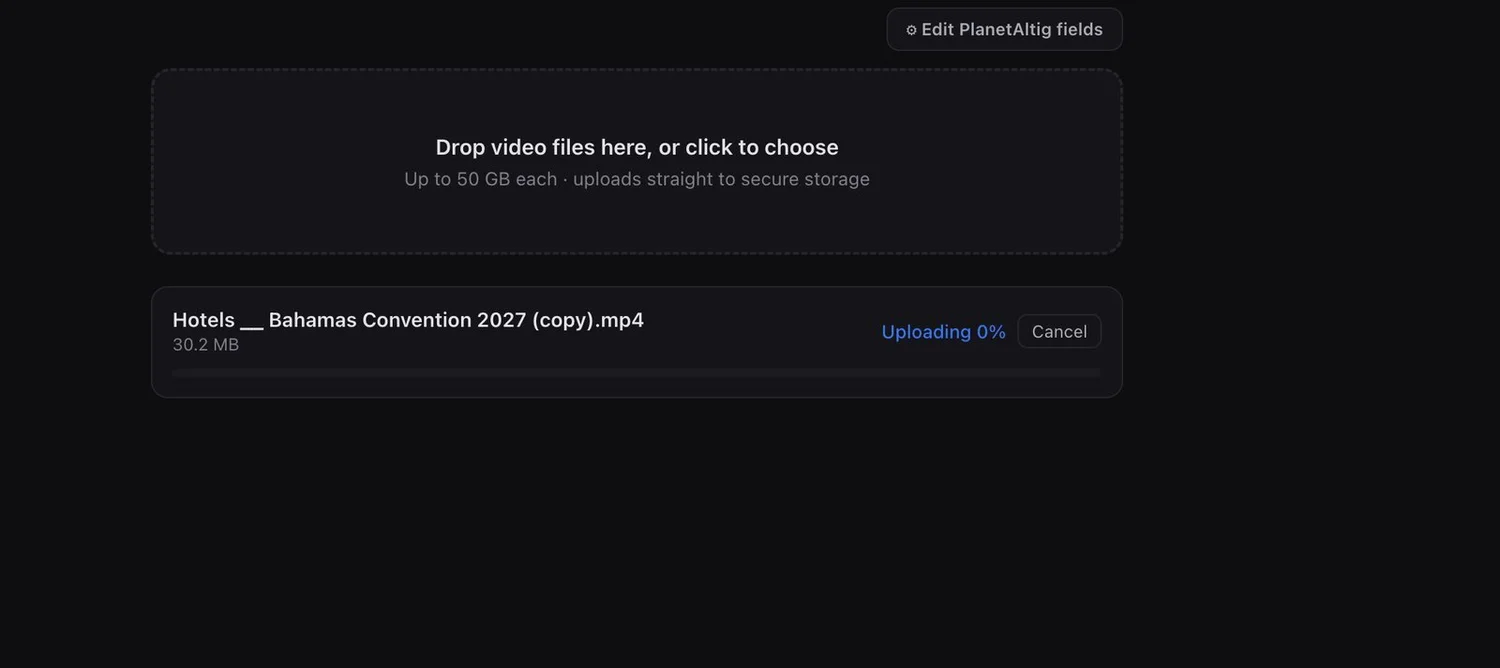
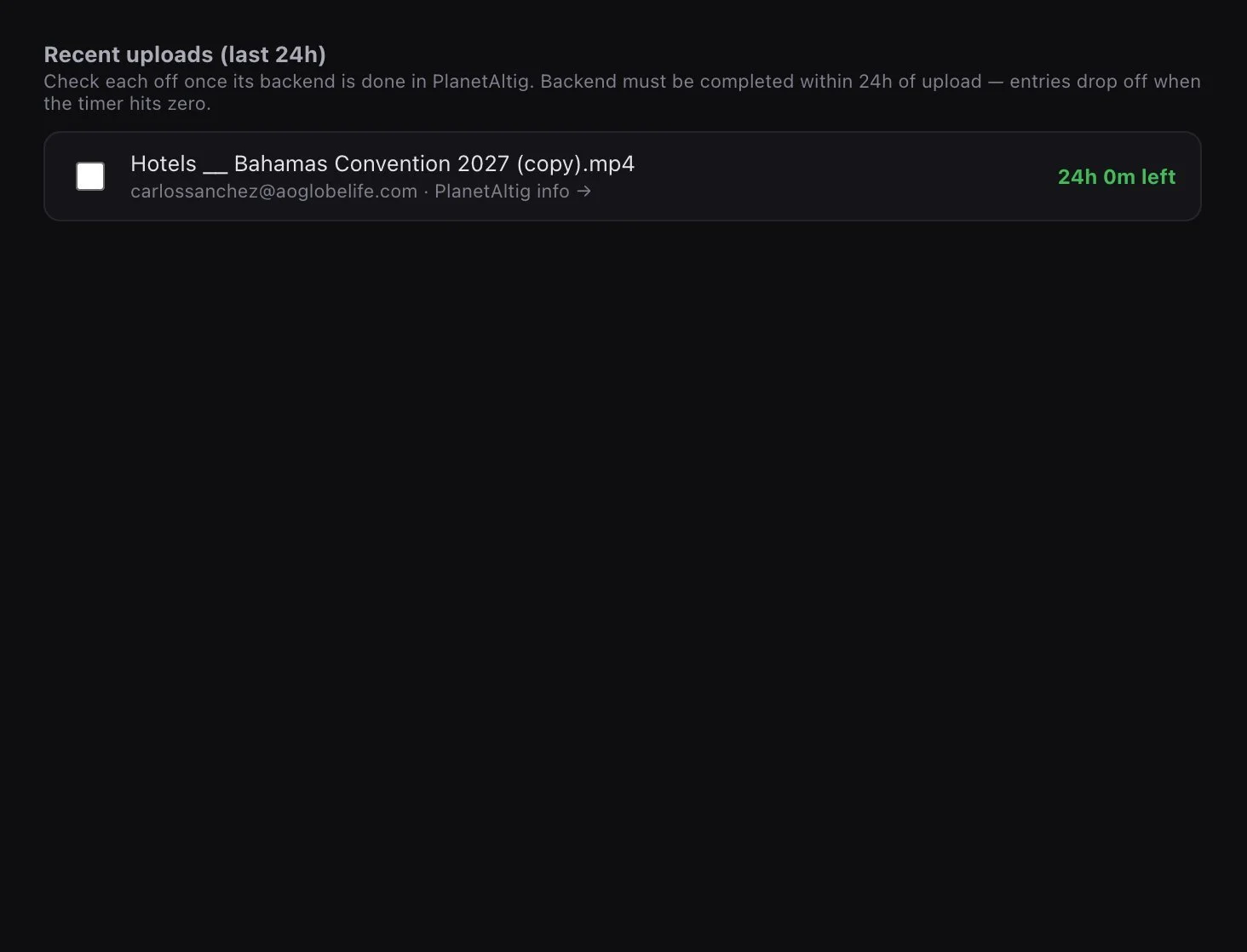
A gated, high-performance upload tool that streams files straight to the company S3 bucket via multipart uploads and presigned URLs — fast, and the server never becomes a bottleneck. Every upload is automatically mirrored and organized into Shade, the team's storage platform. One upload, two organized destinations.
How it works
- Least-privilege IAM: a dedicated user scoped to PutObject + the multipart actions only, on a single bucket prefix — near-zero blast radius if credentials leak.
- Presigned-URL architecture: the API authenticates the user, opens the multipart upload, and batch-signs part URLs; the browser PUTs chunks directly to S3 — bytes never touch the app server.
- Parallel multipart transfer: 6 concurrent connections with adaptive part sizing (10–100 MB), supporting files up to 50 GB.
- Encrypted, tamper-proof tokens: upload state sealed in an AES-256-GCM session blob the client can't read or alter.
- Defense in depth: MIME allowlist, size caps, filename sanitization, sanitized errors (no bucket names leak), and a Postgres audit trail.
Backend Queue
One-pass video publishing across Vimeo and Monday.com.
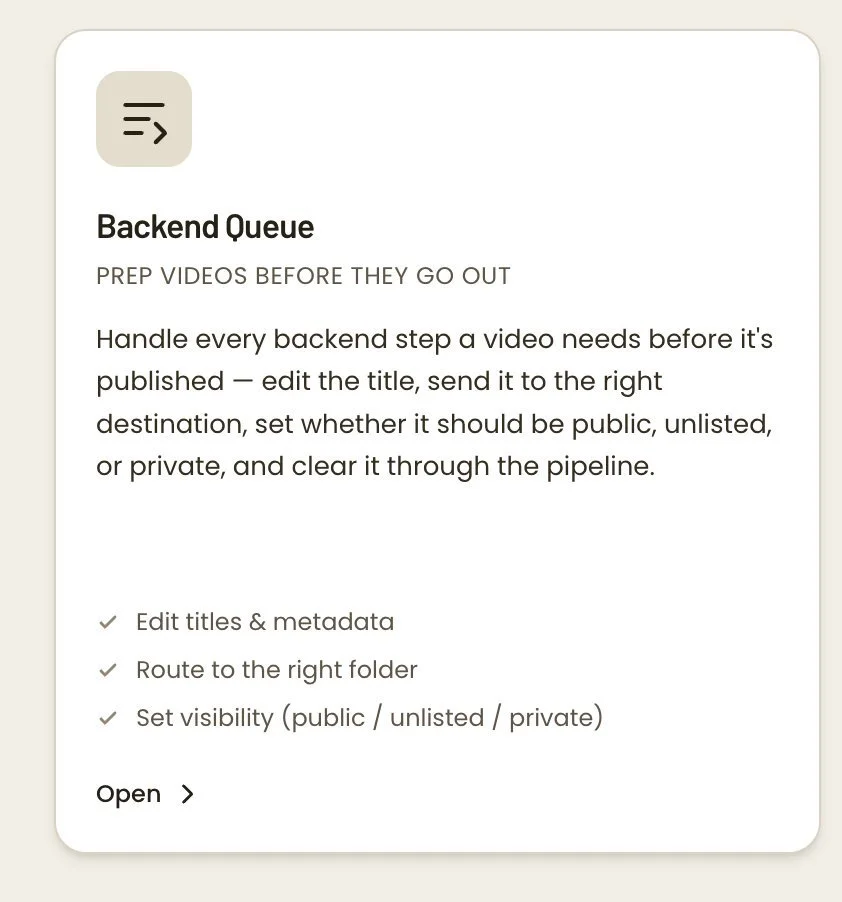
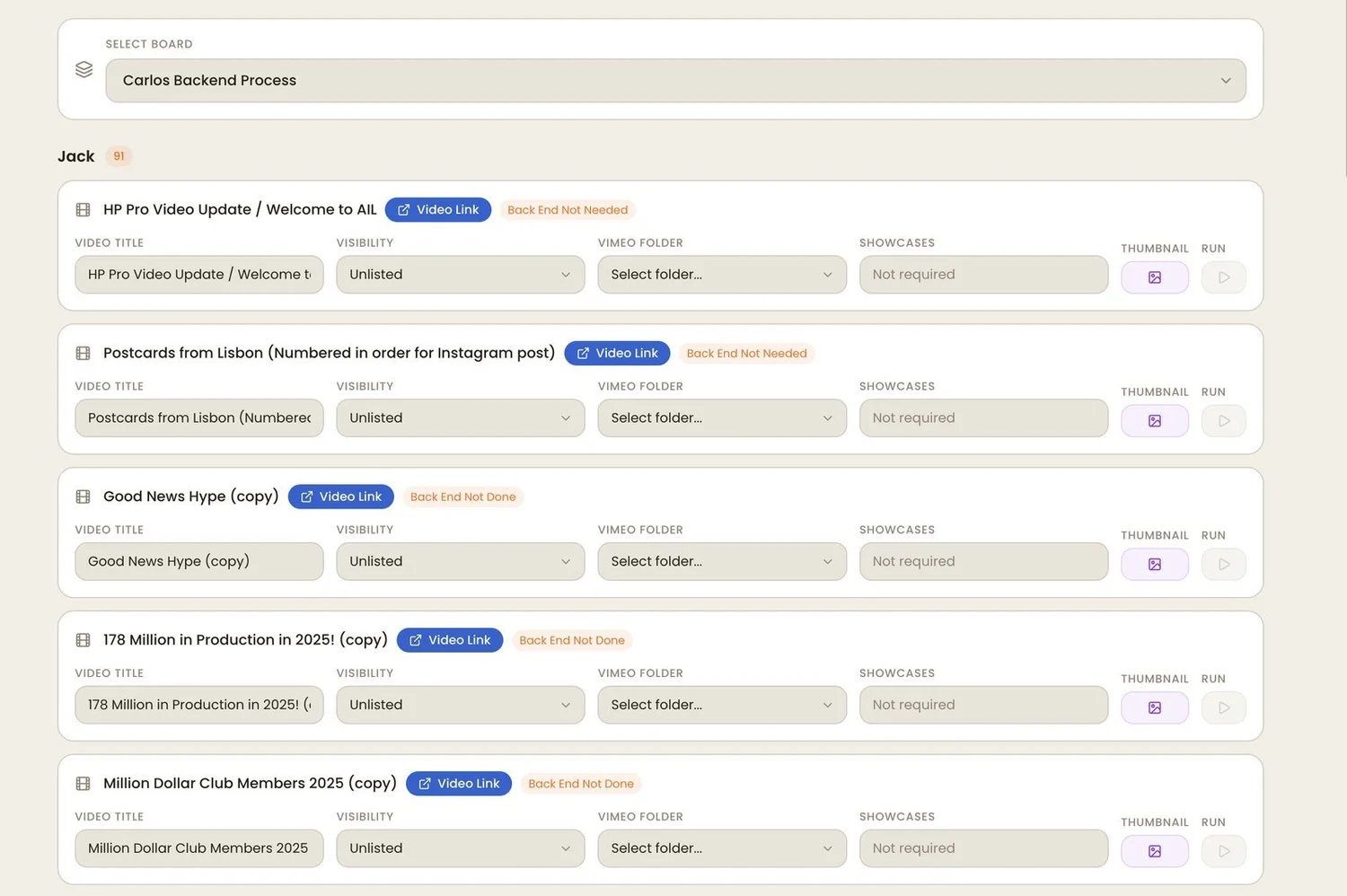
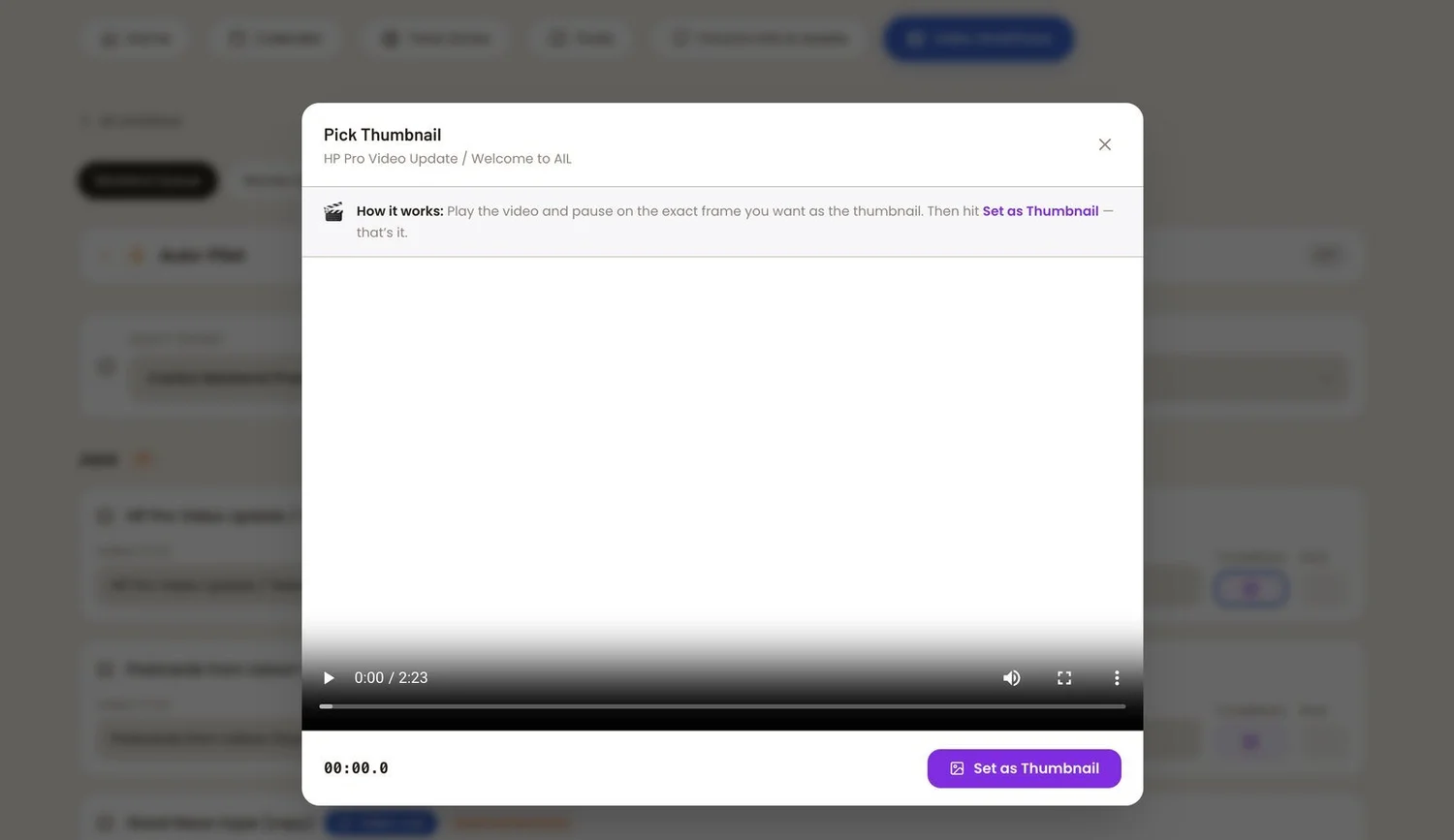
An automation engine that finishes videos in one pass. From a single interface it sets a video's title, visibility, folder, showcase, and thumbnail on Vimeo — then syncs the status back to Monday.com automatically. A manual checklist across two platforms becomes one automated process.
How it works
- Dual-API orchestration (Vimeo + Monday.com) in a single workflow.
- Eliminates an entire class of repetitive manual publishing work.
- Change once, synced across both platforms.
Review Queue
One-click delivery of review videos from Monday.com into an iMessage group chat.
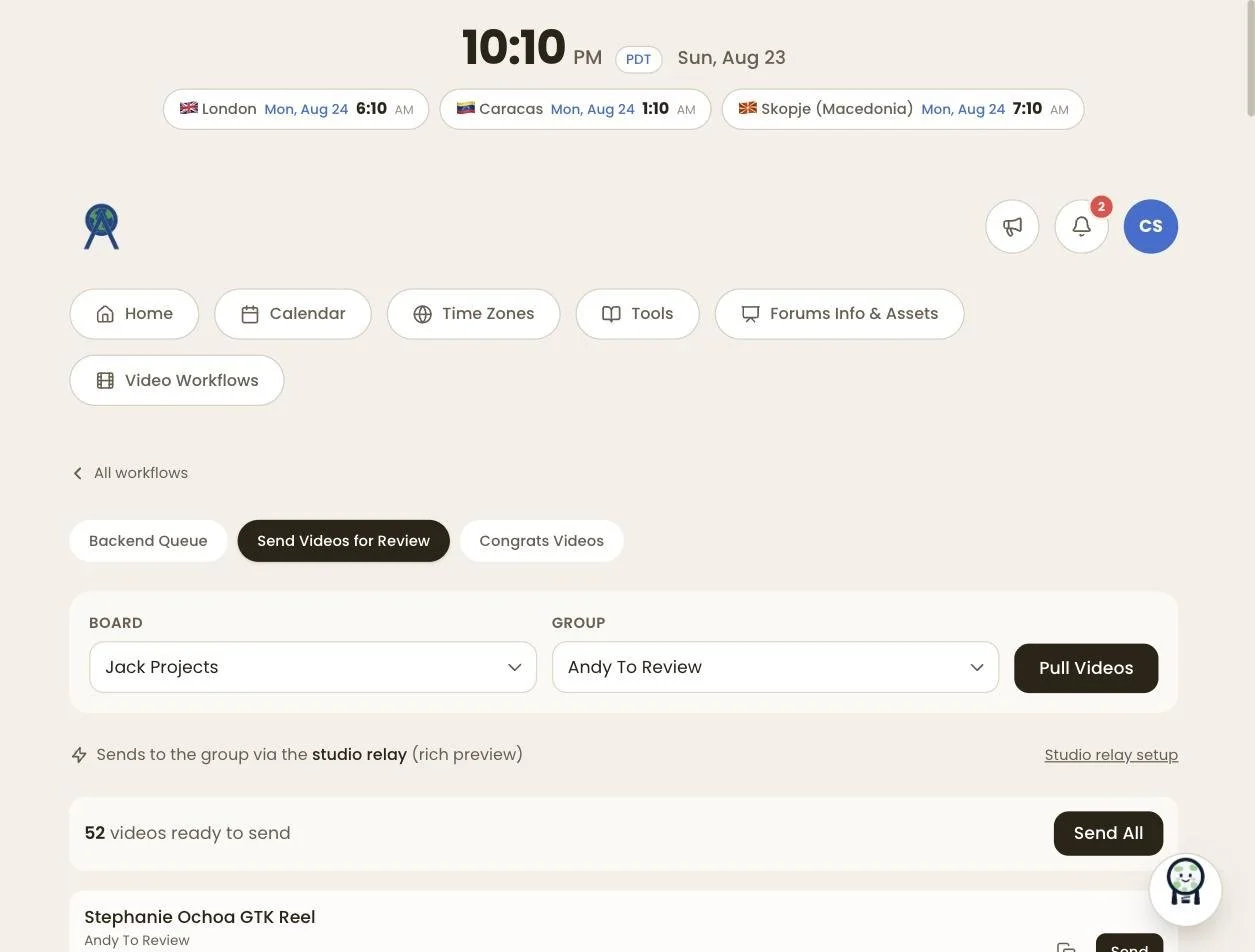
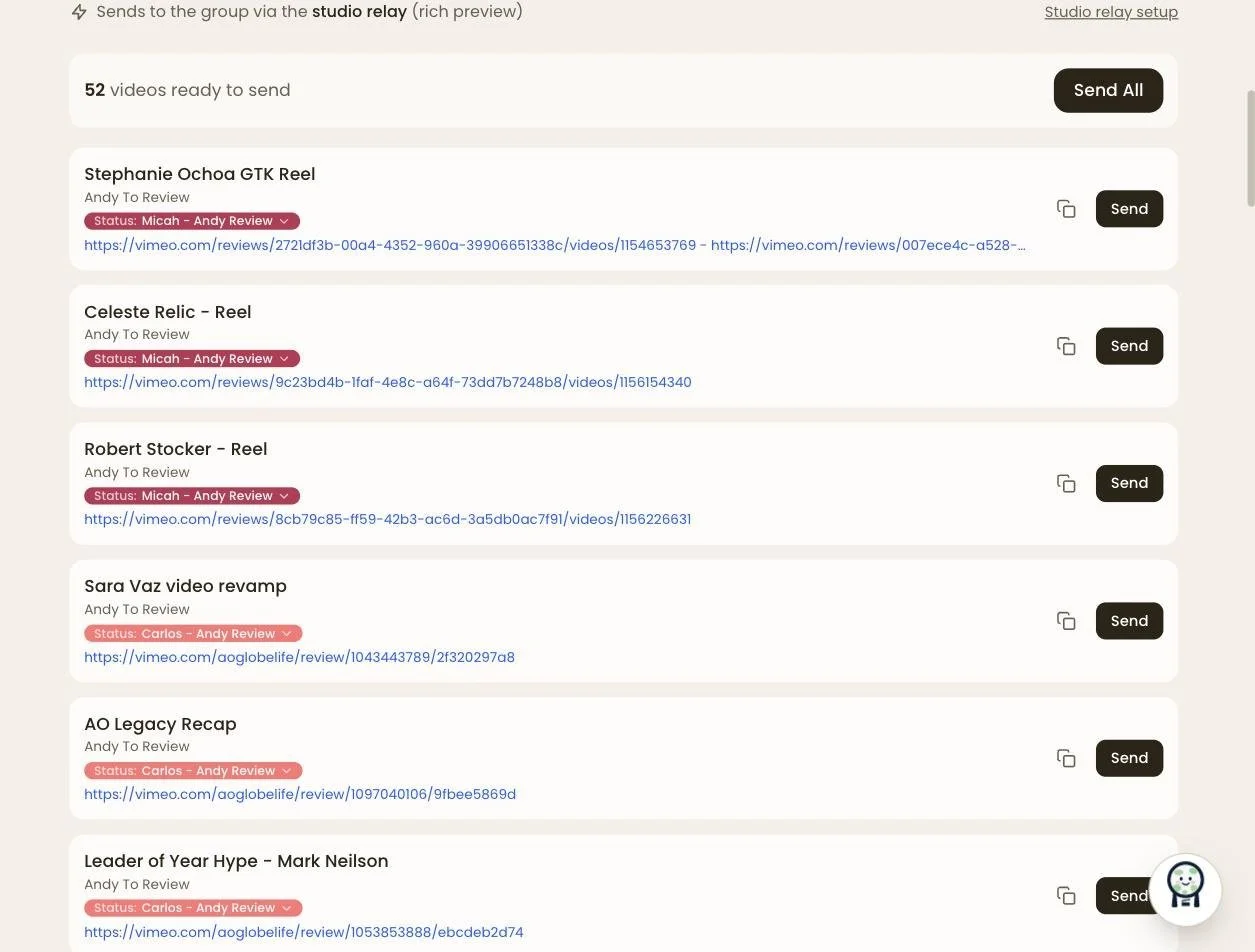
A review-distribution tool that pulls video boards straight from the Monday.com API and sends deliverables into an iMessage group chat with a single click — from the website, at no messaging cost. Links pulled from Monday, one button, and the video's in the team chat.
How it works
- Creative systems integration: web platform → project-management API → native messaging.
- Zero-cost messaging — no Twilio/SMS fees.
- Reduces a multi-step copy/paste workflow to one click.
Team Calendar
One true calendar for the whole editing team.
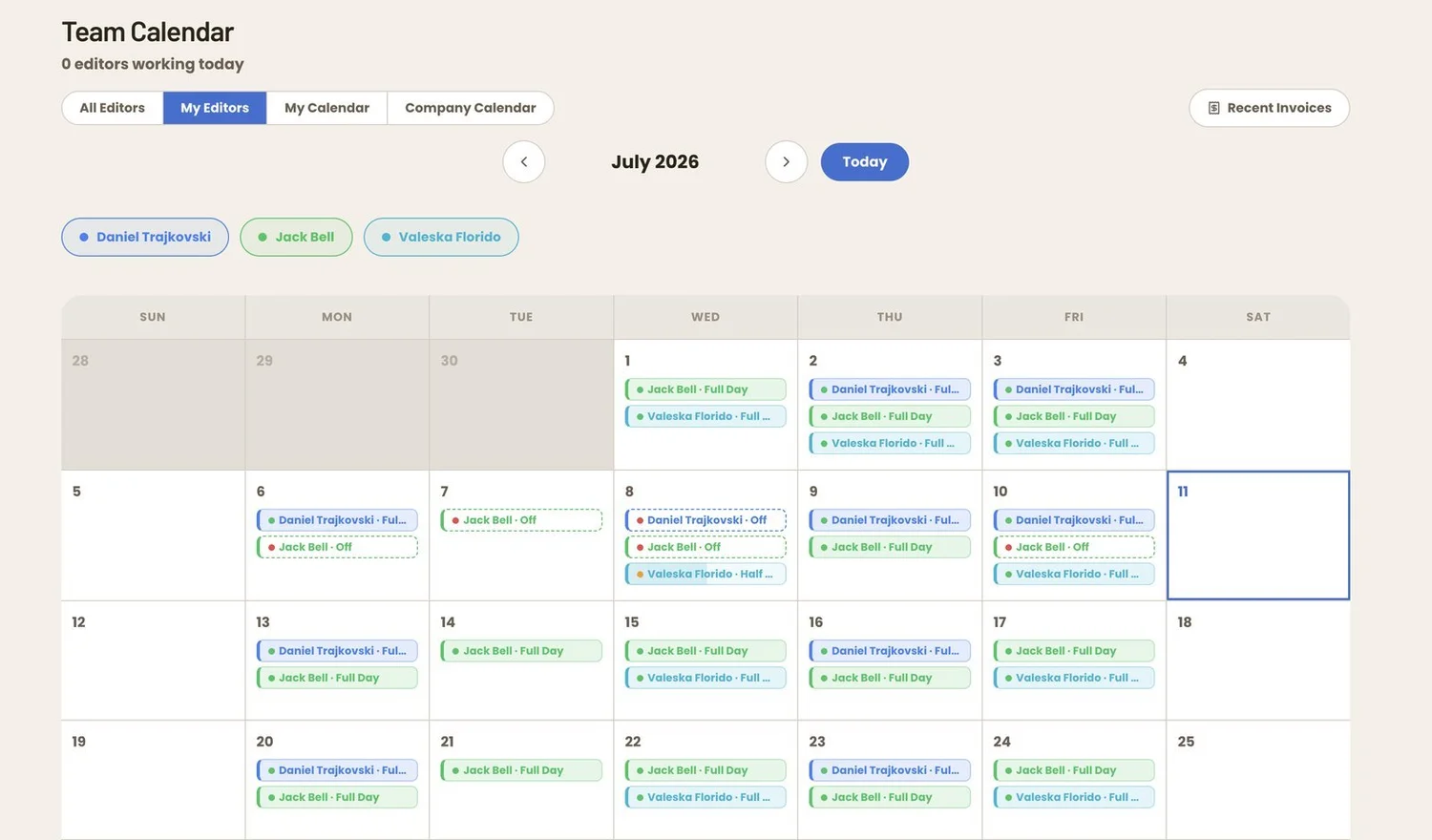
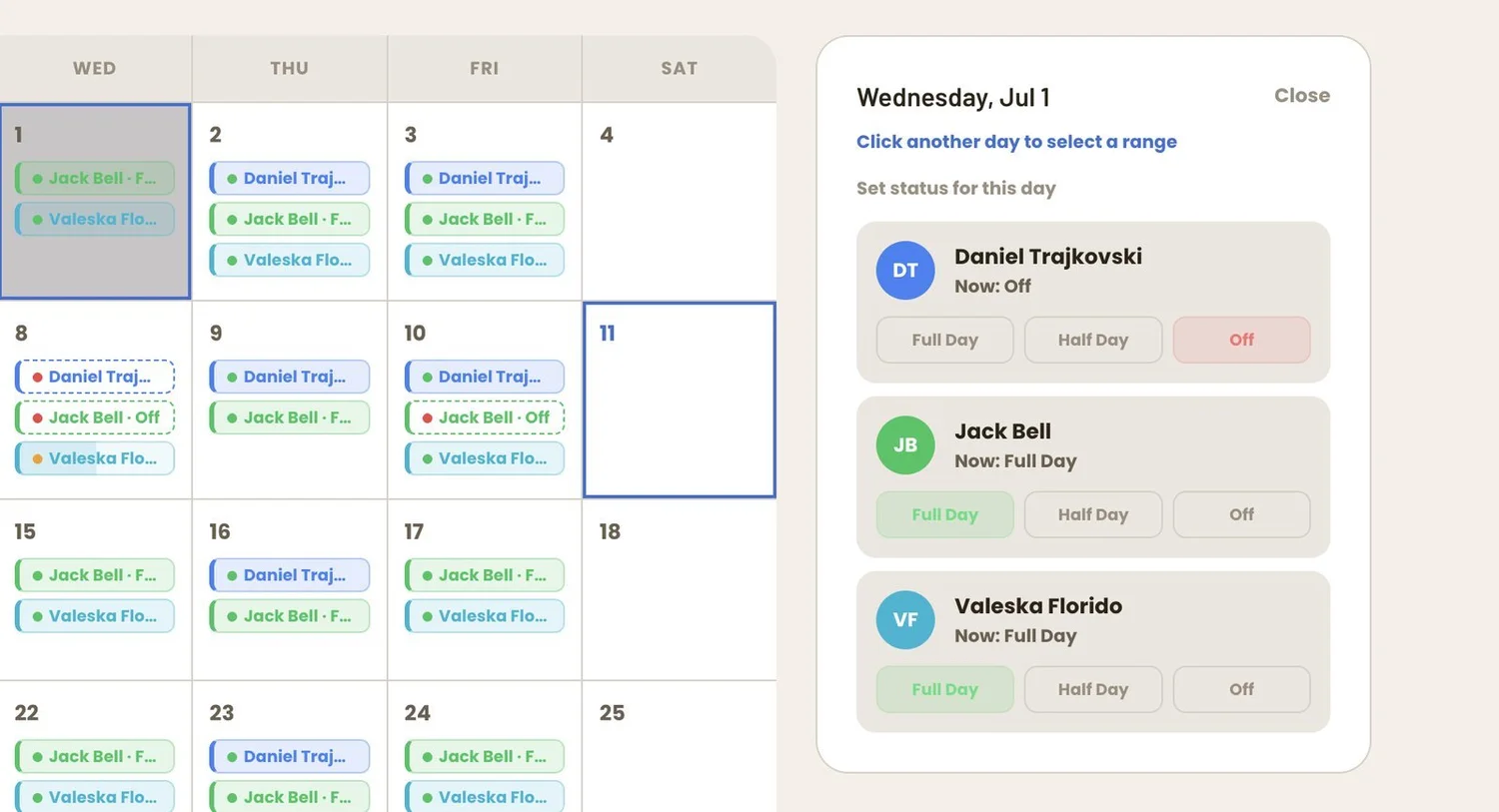

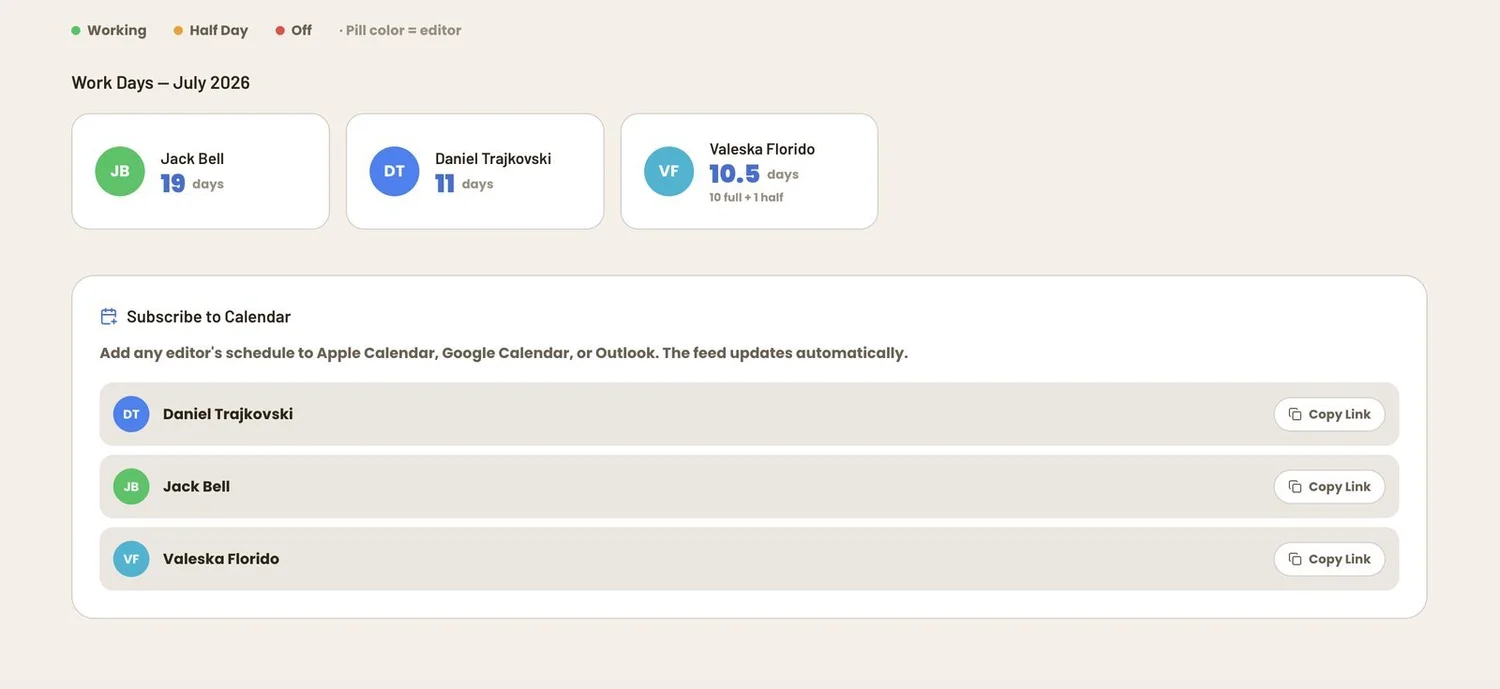
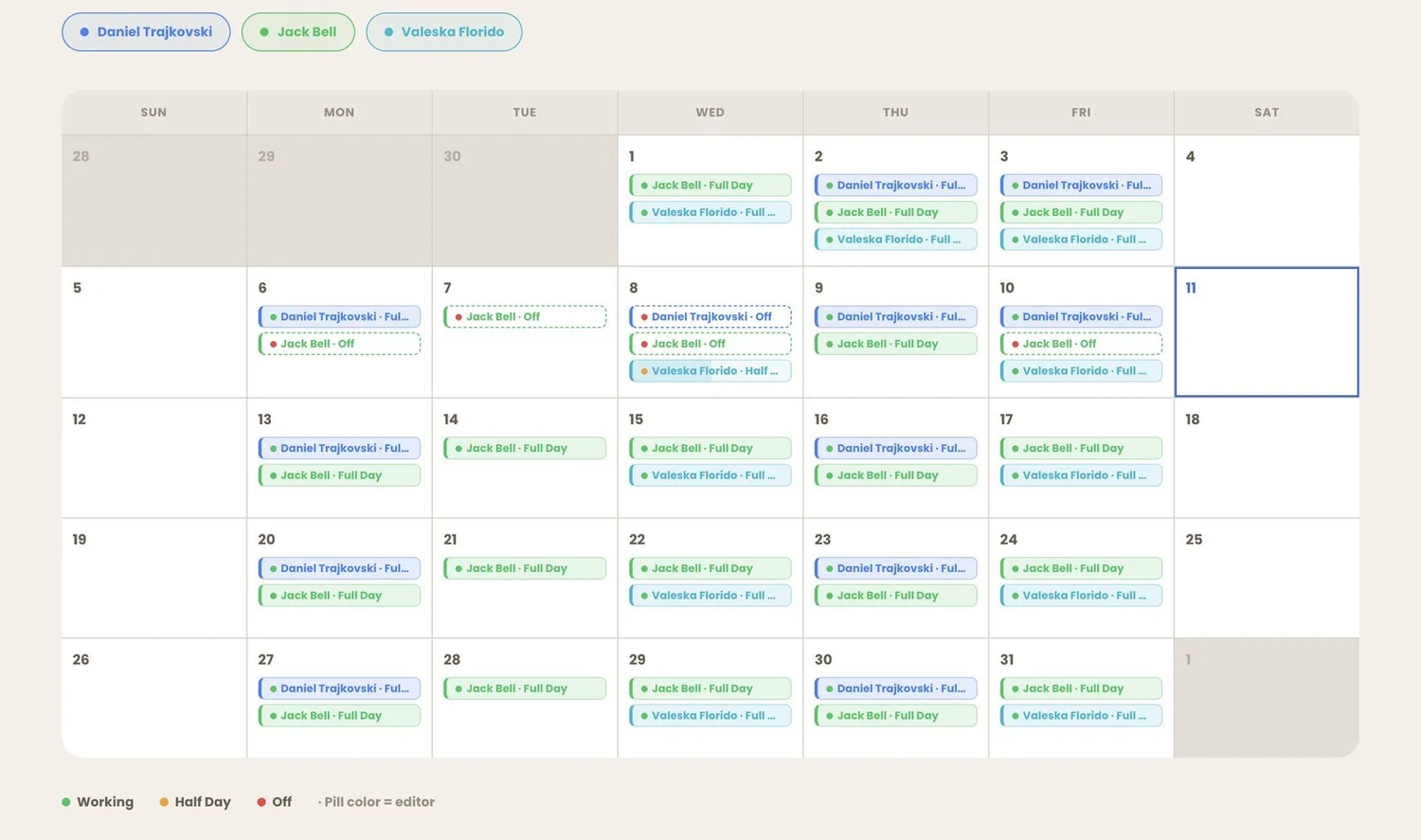
A shared scheduling system built into the Hub that gives the whole editing team one true calendar. Leadership sees at a glance who's working and who's off, and every team member can view and edit availability in real time — eliminating scattered spreadsheets and guesswork.
How it works
- Replaced fragmented scheduling with one authoritative system.
- Multi-user live editing with status visibility for management decisions.
- Foundation for downstream features — dashboards, notifications, "who's working" views.
Invoice Tracker
Tracks media spend and ties every invoice to videos produced.
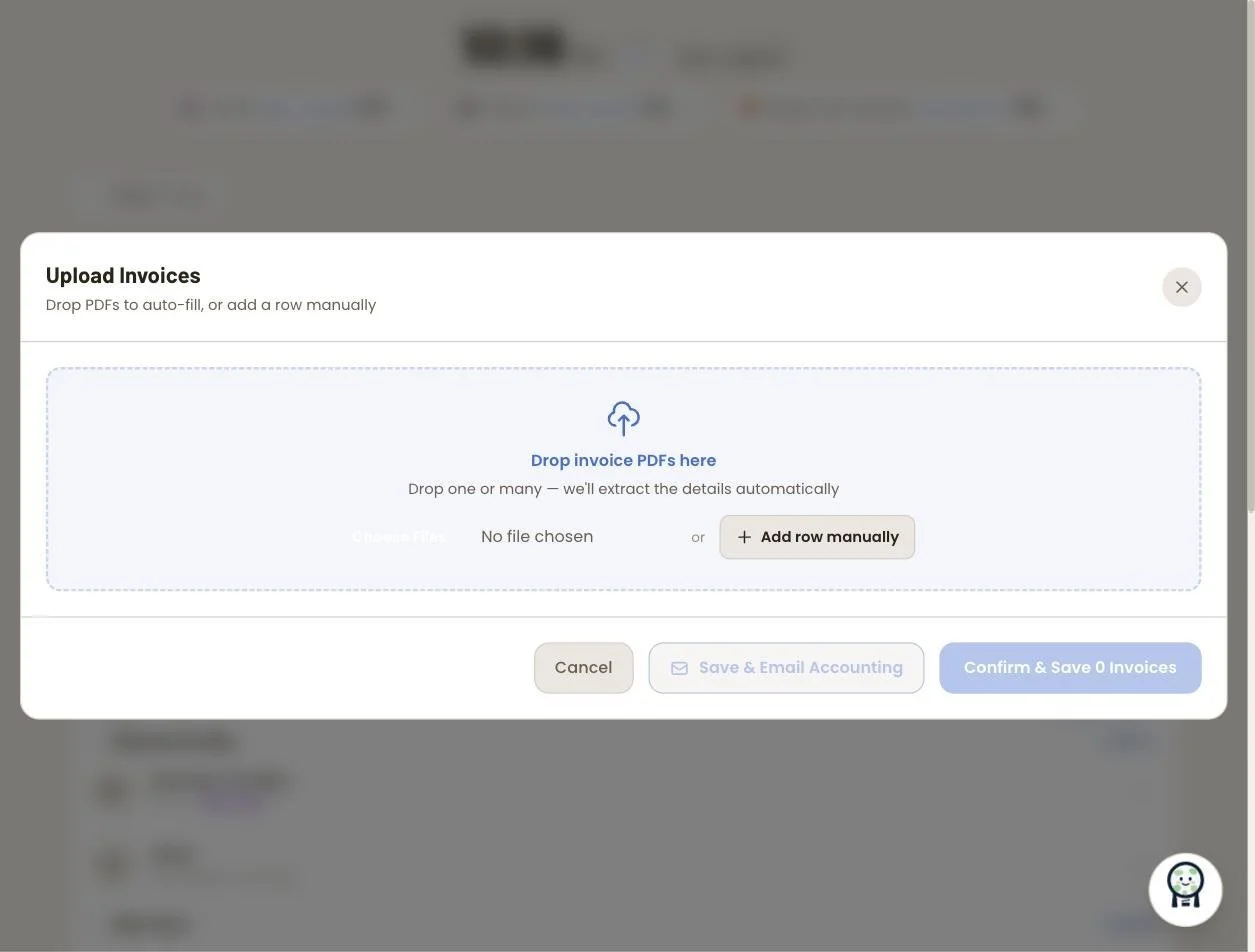
A finance tool built into the Hub for tracking every invoice the media team receives — freelance editors, influencers, models, and contractors. It logs videos-per-invoice to measure real output, auto-converts foreign currencies, and rolls everything up into yearly spend visibility.
How it works
- Connects spend to output: tracks not just dollars, but videos produced per invoice.
- Automatic multi-currency conversion for an international contractor base.
- Year-over-year budget visibility for leadership decisions.
Video Completion Tracker
Cross-references videos paid-for against videos completed for a full production picture.
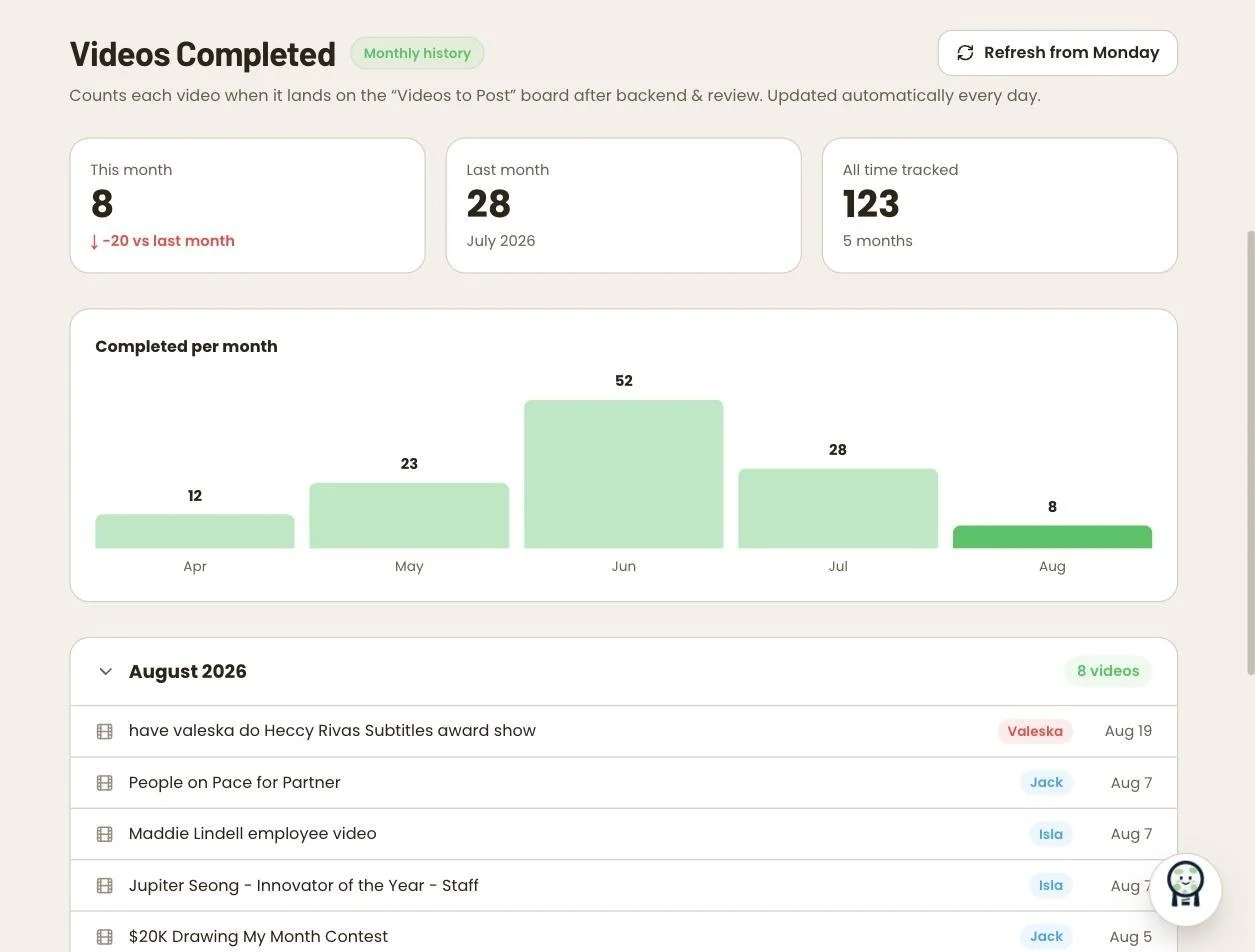
A production-analytics system that measures output from two independent sources: invoices record how many videos were created and paid for, while the Monday.com pipeline reports how many are completed each month. Both live in the Hub, so spend, output, and pipeline data cross-reference in one place.
How it works
- Two data sources, one truth: invoice videos-created counts vs. monthly pipeline completions validate each other — closing the loop from spend to delivery.
- Month-by-month output reporting for capacity planning and performance review.
- Unified in the Hub — no separate BI tool or spreadsheet.